

Memory for every coding agent you use

LUCI builds a local memory of your screen and your meetings. These pages show the apps it remembers and the agents that read it back.

Showing 23 out of 23 integrations

Category

Claude CodeInstall the official skills so Claude Code can search your screen and meetings.PopularCursorInstall the official skills so Cursor can search everything on your screen.PopularCodexChronicle-style screen memory for Codex — minus the upload, the waitlist, and the lock-in.PopularMCPOptional protocol path if an agent cannot load skills.PopularNotionMeeting notes and action items land in Notion — the memory behind them stays local.opencodeAlready reads ~/.claude/skills, so one install covers opencode too.pipi ships without MCP on purpose. Skills are all it needs, and skills are our path.WindsurfCascade can search the browser tabs, terminals, and calls your workspace never saw.GitHub CopilotCommit the skills under .github/skills and the whole repository gets the same recall.Gemini CLIStop re-explaining your morning. Gemini CLI can read the record instead.ClineSkills in .cline/skills, MCP in its own settings file. Both reach the same local memory.ZedOne copy in ~/.agents/skills also serves pi and Amp.

Integrations are just the start

See how your agent actually uses LUCI Memory once the skills are in place.

Install the skills
AmpLong runs are where missing context costs most. Amp can look it up mid-task.ZoomEvery Zoom call kept on your own machine. No bot joins, nothing is uploaded.PopularGoogle MeetNotes and transcripts for every Meet call, without a bot and without Workspace tiers.Microsoft TeamsTeams calls recorded on your device, with no tenant admin and no notetaker in the roster.SlackThe thread you read at 10am, findable at 6pm — without giving anyone your workspace token.PopularGmailThe email you read, back in one question — with no mailbox access granted to anyone.Google ChromeBrowser history that remembers the page, not just the URL you happened to land on.FigmaThe frame you reviewed and the feedback said out loud, kept in the same place.YouTubeThe tutorial you half-watched, searchable by the thing it actually said.DiscordThe answer buried in a server you are not going to scroll back through.LinearThe issue says what changed. Your memory says who asked for it and why.

Easy as one, two, three

How it works
LUCI recording, showing memories being stored

1. Turn on Screen Memory

Install LUCI and press record. It keeps running quietly in the background, and free covers Mac and Windows.
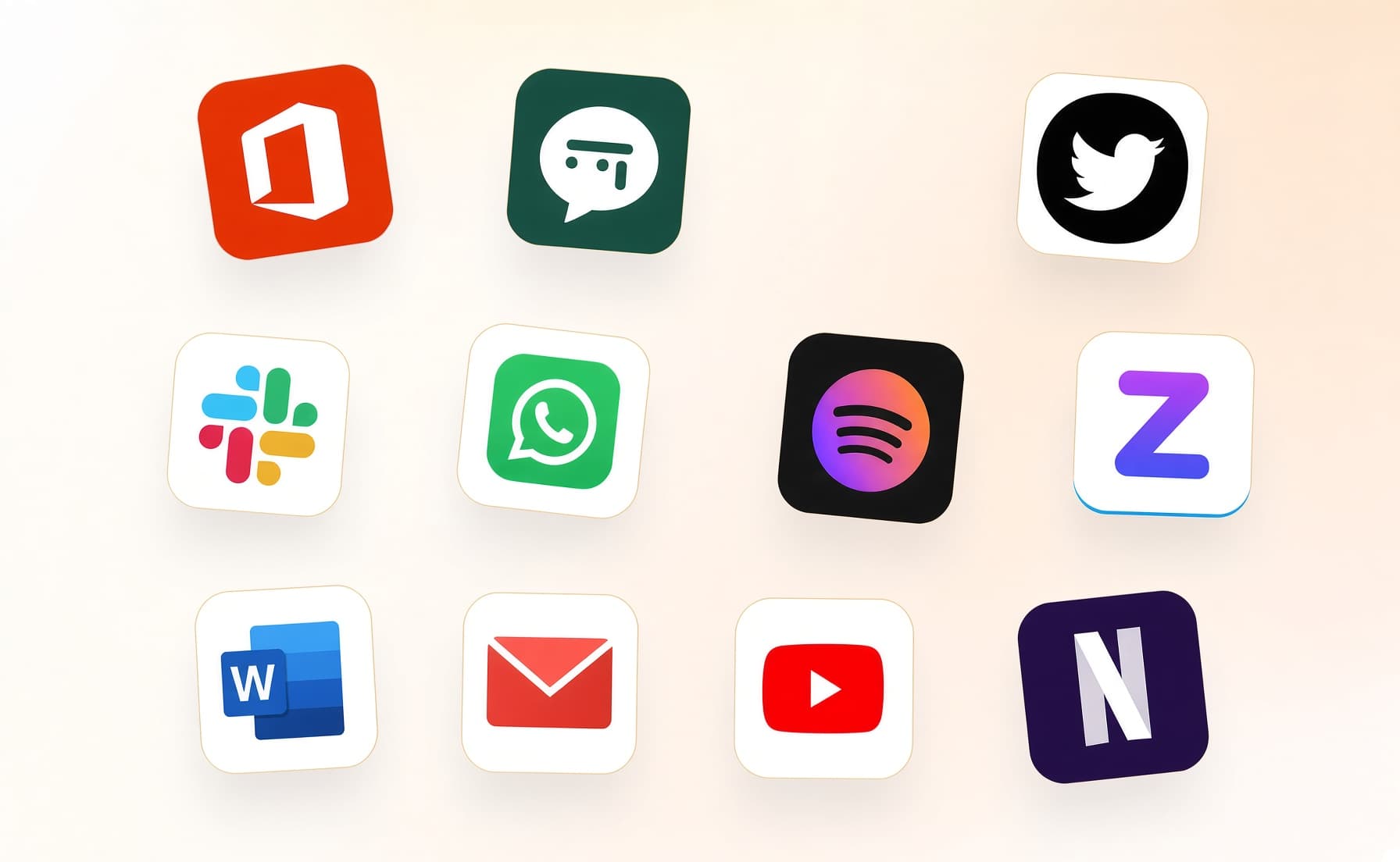
A grid of app icons LUCI remembers

2. It covers every app you work

Your whole day on the computer — meetings, email, code, everything in between — read and understood on your own device.
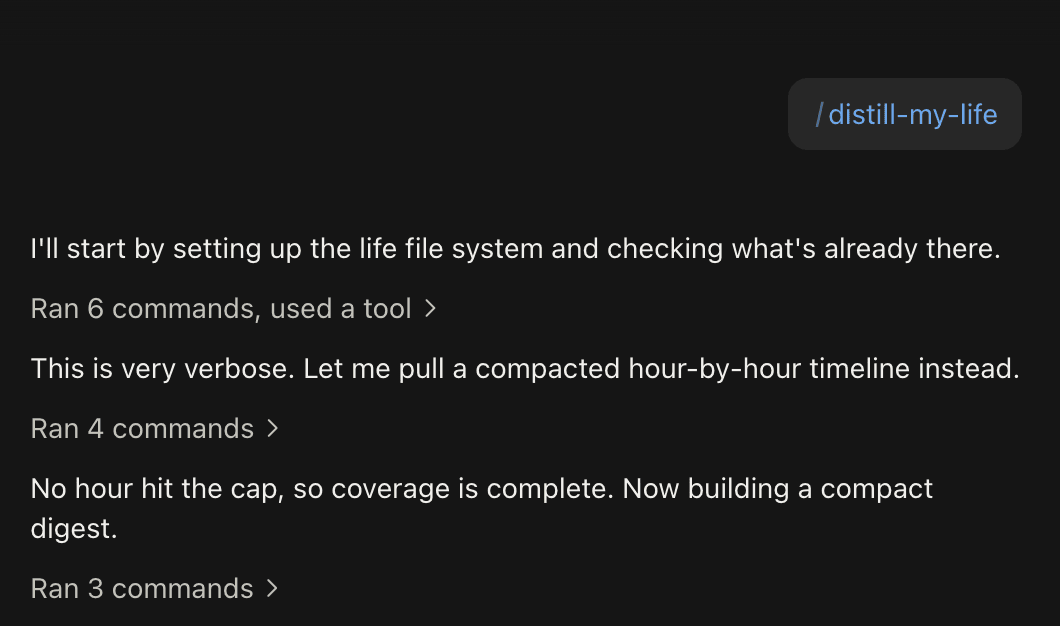
A coding agent distilling the day out of LUCI

3. Ask in plain language

Install the official skills so your agent can answer your questions base on Luci's memory.

What an agent can see, stated plainly

The memory itself stays on your machine. What an agent actually pulls becomes part of that conversation, and if the agent runs in someone else's cloud, that conversation goes there. Connect only the agents you trust, and ask them for what you are willing to put in that thread.

Ready when you are.

Free on Mac and Windows. Your first agent is connected in two minutes.

Install the skills

No bot in your calls • Nothing uploaded to train a model