Chat With Your Memory
Ask LUCI anything about your past meetings, calls, and what you saw on screen — get instant answers with citations and let it run the follow-ups. Your private copilot, with a memory that stays on your device.

General
Refined Figma designs based on new constraints
PM
promptpromptpromptpromptpromptprompt
Sales
Refined Figma designs based on new constraints
CRM
Refined Figma designs based on new constraints
Manage context with Channels
Organize conversations by project, topic, or person. Each channel has its own context — follow-up questions work without repeating background.
Search, summarize, and ask about any video
Connect your video library. Search content directly in chat, get automatic summaries, and ask follow-up questions — all grounded in the video. Ask directly instead of scrubbing timelines. Get answers, not timestamps.


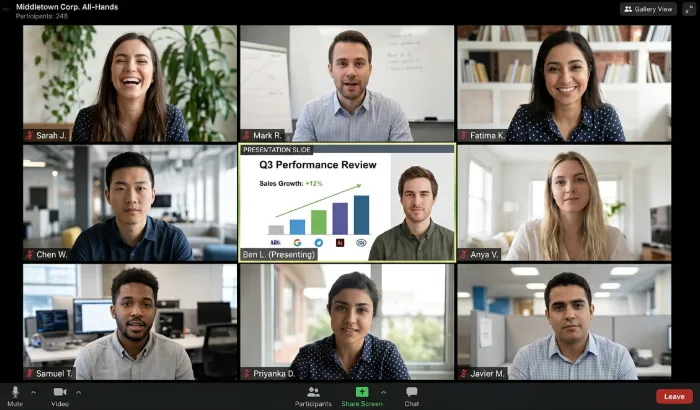
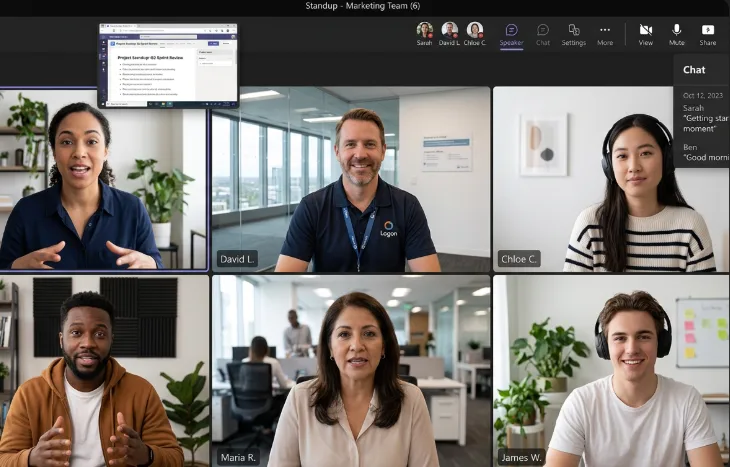

I analyzed the meeting just now and found these action items:
Want me to start working through these?
On it! I'll send you a full report once everything is done.
Working on: Contact design team to confirm new UI delivery date...
From understanding to execution
Not just answers. LUCI identifies to-dos, next steps, and follow-ups — then prompts you at the right time to move things forward.
How to get started
It only takes a few clicks to start chatting with LUCI and put your work to use.
Download
Download LUCI and grant screen recording permission to start building context.
Ask
Open Chat and ask about anything you want to know.
Get Results
Get answers instantly and manage your context however you like.
Frequently
Asked
Questions.
Everything you need to know about LUCI Chat
A regular chat is a single conversation thread. A Channel groups related conversations under one context — like a project, a client, or a topic. Everything inside a Channel shares the same memory, so LUCI already knows the background when you ask follow-up questions.
See for yourself.
100% free, 100% local — your memory stays on your device, encrypted at rest.
New to LUCI? Read the quick start