

Find the Page You Read in Chrome, Not the URL
Chrome history stores where you went. LUCI remembers what was on the page, which is the part you are actually trying to find again.
Actions
Everything LUCI remembers in Google Chrome
Ask for any of these in plain language once LUCI is running. There is nothing to connect in Google Chrome and nothing to configure.
Everyone has done the same search: scrolling browser history for a page you know you read, recognising nothing, because a title and a domain are not how you remember things. You remember a paragraph, a chart, a price.
LUCI remembers those. Every page you actually looked at is understood on your device, so "the pricing page with the three-column table" finds the tab even when you never bookmarked it and cannot name the company.
It covers what history does not: the doc behind a login, the dashboard that renders after the URL stops changing, the PDF that opened in a tab. If you read it, it is in the memory.
Easy as one, two, three
How it works
1. Turn on Screen Memory
Install LUCI and press record. It keeps running quietly in the background, and free covers Mac and Windows.
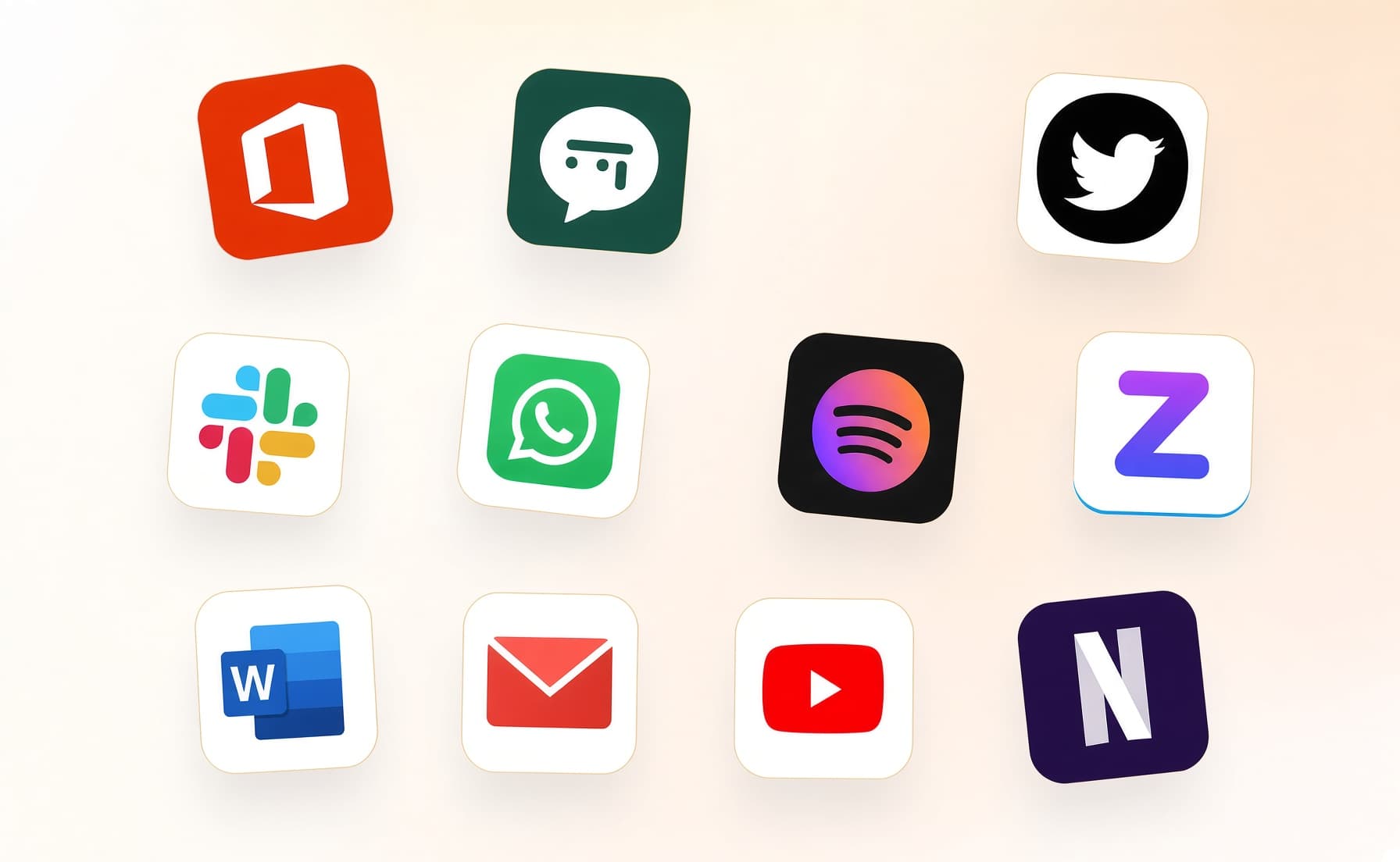
2. It covers every app you work
Your whole day on the computer — meetings, email, code, everything in between — read and understood on your own device.
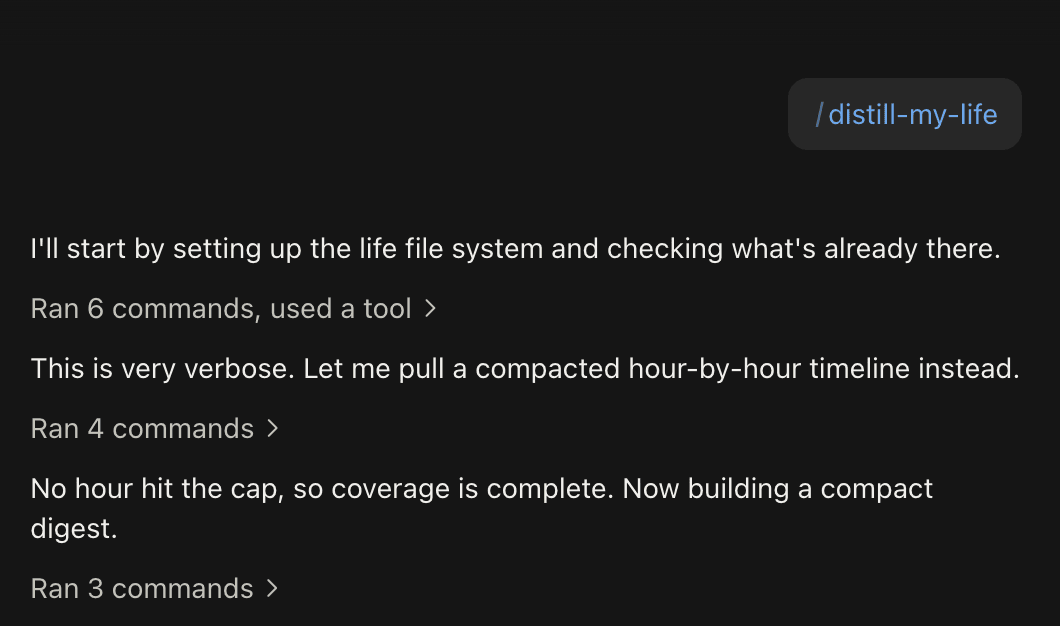
3. Ask in plain language
Install the official skills so your agent can answer your questions base on Luci's memory.
Frequently asked questions
No. Nothing is installed into the browser. LUCI is a desktop app that remembers what was on your screen, which is why it works the same in Arc, Safari, Edge, and Firefox.






Start remembering Google Chrome today
Download LUCI, turn on Screen Memory, keep working as you do.
Free on Mac and Windows.