

Google Meet Notes That Do Not Need a Bot
Meet keeps transcription behind a Workspace plan and an on-screen notice. LUCI records the call from your side of the glass instead, and the notes are yours the moment it ends.
Actions
Everything LUCI remembers in Google Meet
Ask for any of these in plain language once LUCI is running. There is nothing to connect in Google Meet and nothing to configure.
Google Meet will transcribe a call if your organisation pays for the right tier and someone turns it on. LUCI does not care which plan you are on. It runs on your machine, so every Meet call you sit in is in your memory afterwards.
It also keeps what a transcript throws away. Meet transcribes speech; LUCI keeps the slide that was up while the speech happened, the tab someone shared, and the chat message that explained the acronym.
Ask for the recap in plain language, or let Claude Code, Cursor, or Codex pull it mid-task through Agent Bridge.
Easy as one, two, three
How it works
1. Turn on Screen Memory
Install LUCI and press record. It keeps running quietly in the background, and free covers Mac and Windows.
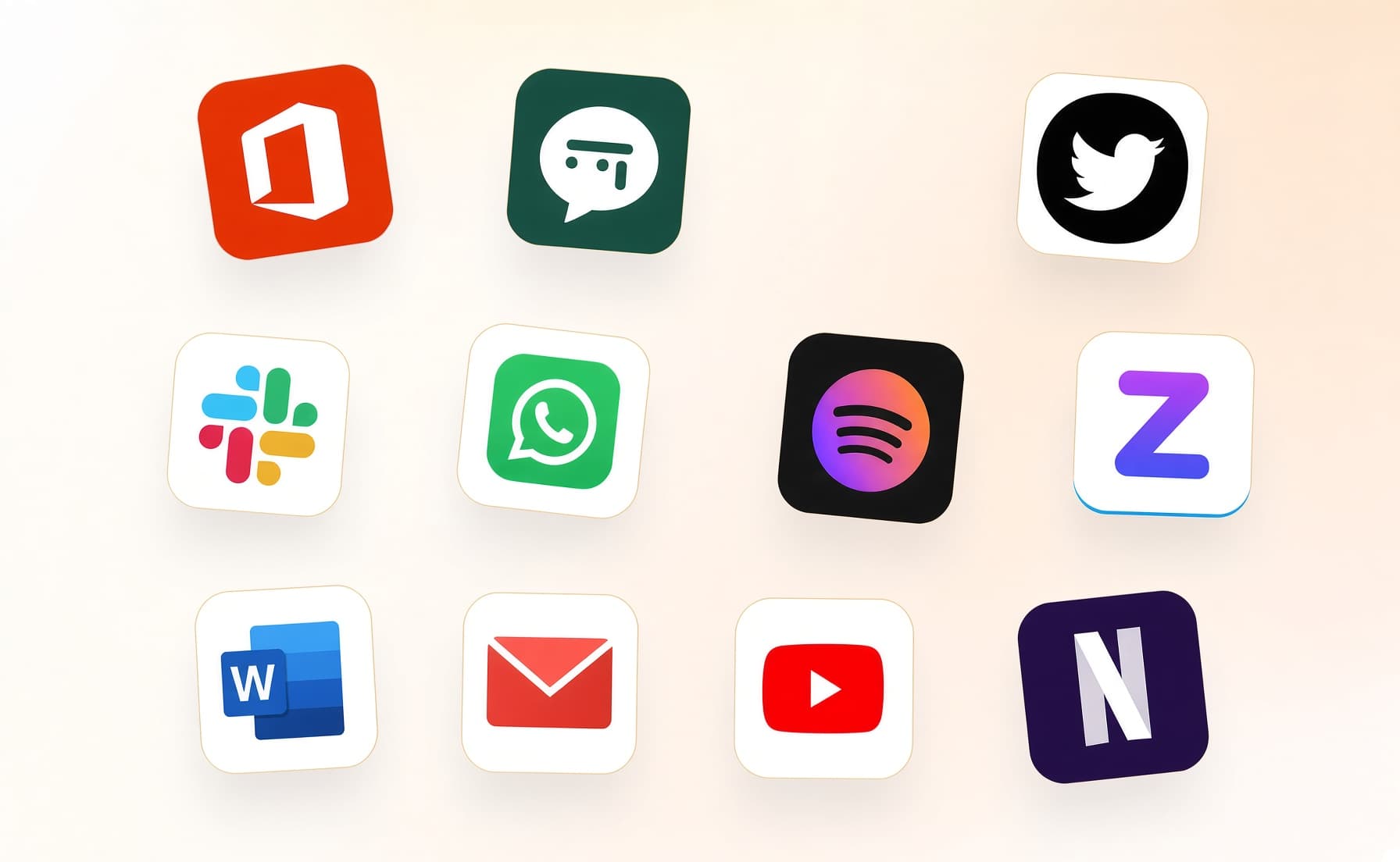
2. It covers every app you work
Your whole day on the computer — meetings, email, code, everything in between — read and understood on your own device.
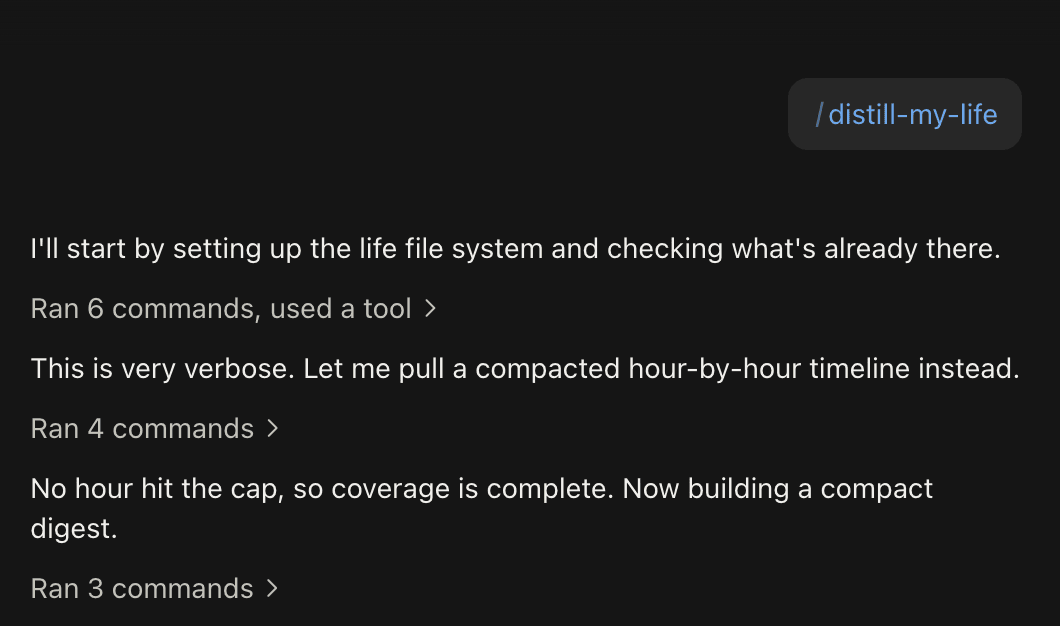
3. Ask in plain language
Install the official skills so your agent can answer your questions base on Luci's memory.
Frequently asked questions
No. LUCI records from your computer, so Meet transcription tiers and admin settings are not part of it. A free Google account works the same as an enterprise one.






Start remembering Google Meet today
Download LUCI, turn on Screen Memory, keep working as you do.
Free on Mac and Windows.