

Remember the Figma Frame and the Feedback
Version history keeps the file. It does not keep the review call where someone explained why the spacing changed. LUCI keeps both, side by side.
Actions
Everything LUCI remembers in Figma
Ask for any of these in plain language once LUCI is running. There is nothing to connect in Figma and nothing to configure.
Design decisions are made out loud and recorded nowhere. The frame changes, version history logs that it changed, and the reason evaporates into a call that nobody transcribed.
LUCI is watching the same screen you are. The frame as it looked during the review, the comment thread you scrolled through, and the words said over the top of it end up in one memory, at the same timestamp.
For engineers on the other side of the handoff, this is the missing half of the spec: the state of the file the day the decision was made, next to the reason it was made.
Easy as one, two, three
How it works
1. Turn on Screen Memory
Install LUCI and press record. It keeps running quietly in the background, and free covers Mac and Windows.
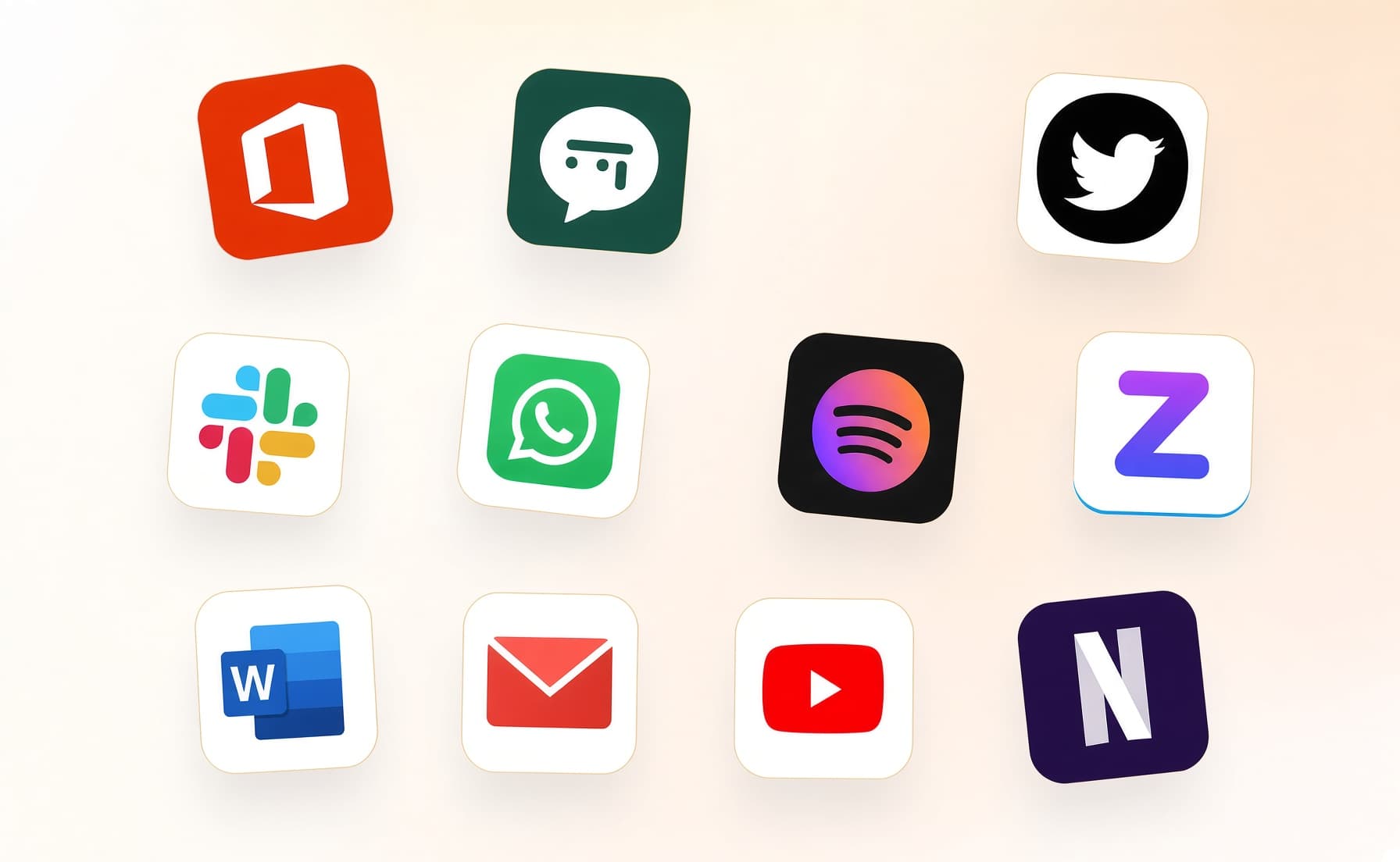
2. It covers every app you work
Your whole day on the computer — meetings, email, code, everything in between — read and understood on your own device.
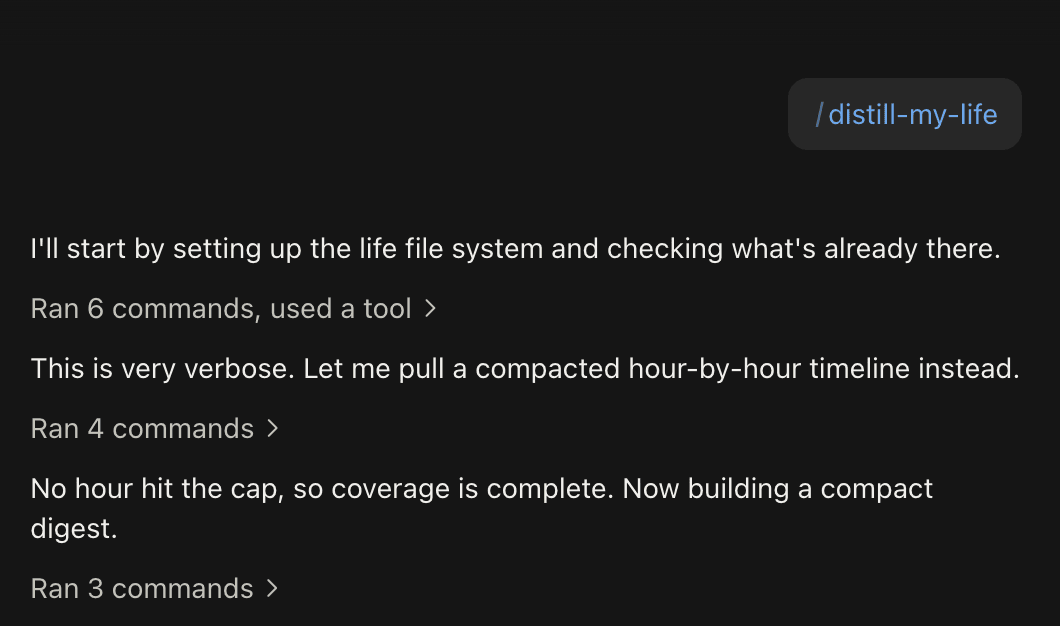
3. Ask in plain language
Install the official skills so your agent can answer your questions base on Luci's memory.
Frequently asked questions
No. Nothing is installed into Figma and no file is accessed through the API. LUCI remembers the Figma that was on your screen, which is only ever what you already had access to.






Start remembering Figma today
Download LUCI, turn on Screen Memory, keep working as you do.
Free on Mac and Windows.