

Microsoft Teams Notes, Recorded on Your Device
No tenant policy to change, no app to get approved, no bot in the roster. LUCI records the Teams call from your own machine and gives you the notes when it ends.
Actions
Everything LUCI remembers in Microsoft Teams
Ask for any of these in plain language once LUCI is running. There is nothing to connect in Microsoft Teams and nothing to configure.
Getting a notetaker into Microsoft Teams usually means a conversation with whoever runs your tenant. LUCI skips that entirely, because it never touches Teams. It records your machine, so a call is captured the same way whether it is an internal stand-up or a customer on the other side of a federated tenant.
You get both directions of the audio, the deck that was presented, and the recap afterwards. Guests who never installed anything are still in the record, because the record is of your computer.
If your organisation restricts what can be installed into Teams, this is the path that does not need permission — nothing runs inside Teams at all.
Easy as one, two, three
How it works
1. Turn on Screen Memory
Install LUCI and press record. It keeps running quietly in the background, and free covers Mac and Windows.
2. It covers every app you work
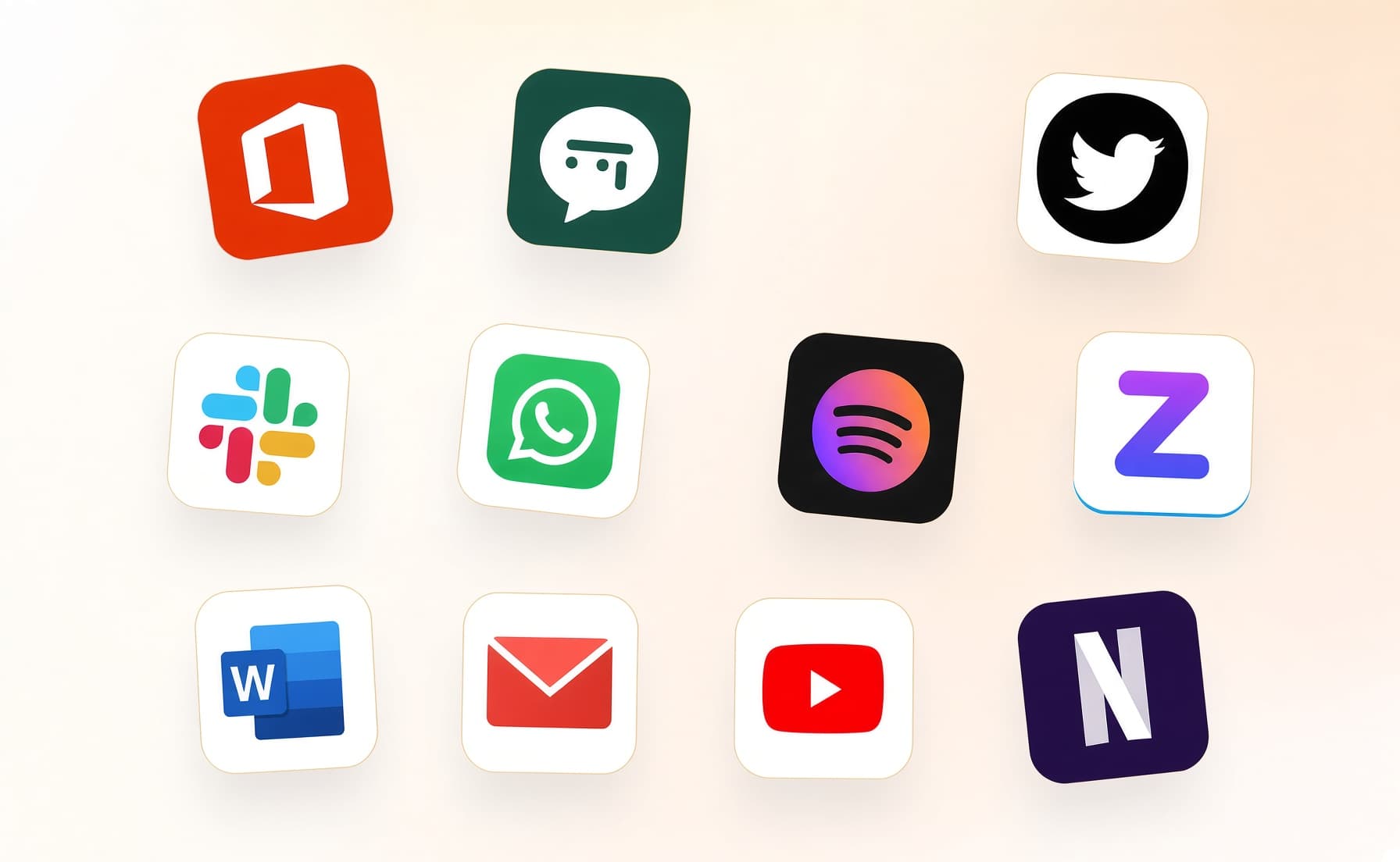
Your whole day on the computer — meetings, email, code, everything in between — read and understood on your own device.
3. Ask in plain language
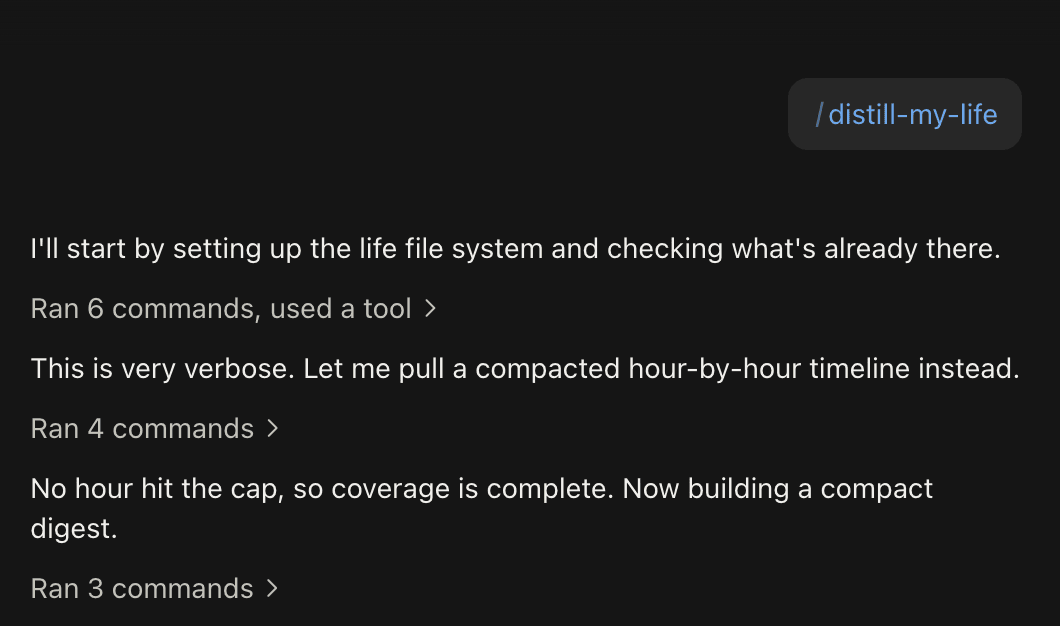
Install the official skills so your agent can answer your questions base on Luci's memory.
Frequently asked questions
Nothing is installed into Teams and no tenant setting changes. LUCI is a desktop app on your machine. Whether you may run it on a managed device is still your organisation policy to answer.






Start remembering Microsoft Teams today
Download LUCI, turn on Screen Memory, keep working as you do.
Free on Mac and Windows.