

Record and Search Your Zoom Calls, Locally
LUCI runs beside Zoom instead of joining it. Every word — yours and theirs — plus whatever was on the shared screen, understood on your device and searchable months later.
Actions
Everything LUCI remembers in Zoom
Ask for any of these in plain language once LUCI is running. There is nothing to connect in Zoom and nothing to configure.
Zoom will give you a cloud recording if everyone agrees to it and someone remembers to press the button. LUCI does not ask for either. It runs on your machine, so a call is in your memory whether or not it was scheduled, whether or not you were the host, and whether or not anyone else noticed.
That includes the part transcripts usually drop: the deck on the shared screen, the figure someone scrolled past, the link dropped in chat. LUCI keeps the picture next to the words, so "the number on that slide" is a question you can actually ask.
Nothing about your Zoom account changes. There is no bot in the participant list, no app to authorise, and no recording notice that turns a working call into a formal one.
Easy as one, two, three
How it works
1. Turn on Screen Memory
Install LUCI and press record. It keeps running quietly in the background, and free covers Mac and Windows.
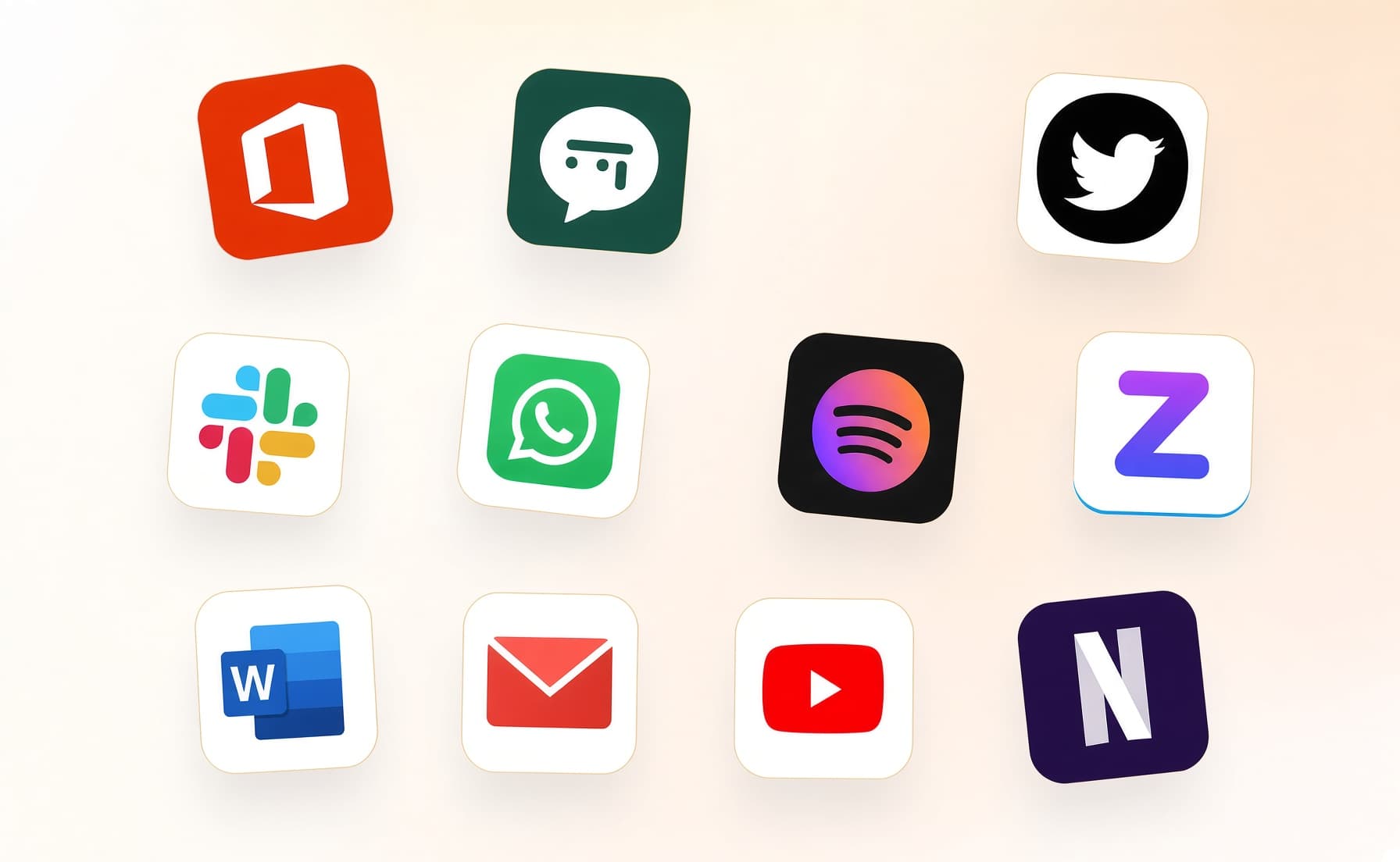
2. It covers every app you work
Your whole day on the computer — meetings, email, code, everything in between — read and understood on your own device.
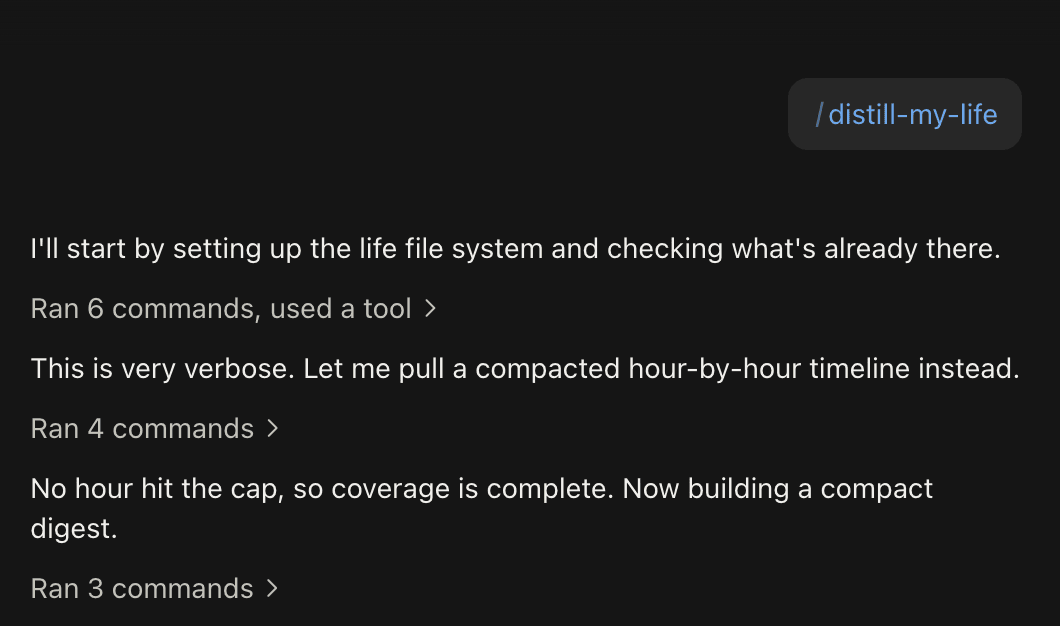
3. Ask in plain language
Install the official skills so your agent can answer your questions base on Luci's memory.
Frequently asked questions
No. LUCI runs on your computer alongside Zoom. There is no participant to admit, no app to install into your Zoom account, and nothing for other attendees to see.






Start remembering Zoom today
Download LUCI, turn on Screen Memory, keep working as you do.
Free on Mac and Windows.