

Remember What You Read in Slack
LUCI does not connect to your workspace. It remembers the Slack you actually read on this machine, which turns out to be the part you need back.
Actions
Everything LUCI remembers in Slack
Ask for any of these in plain language once LUCI is running. There is nothing to connect in Slack and nothing to configure.
Slack search is good at finding messages and bad at finding the moment you were in. You remember a decision landing in a thread on Tuesday, next to a dashboard you had open, right before a call about it. Slack can find one of those three things.
LUCI remembers all three, because it remembers your screen rather than your workspace. There is no OAuth screen, no bot user, no admin approval, and no token with read access to every private channel you belong to.
It also means huddles are covered. A huddle is audio on your machine like any other call, so the thing someone explained out loud is in the record with everything else.
Easy as one, two, three
How it works
1. Turn on Screen Memory
Install LUCI and press record. It keeps running quietly in the background, and free covers Mac and Windows.
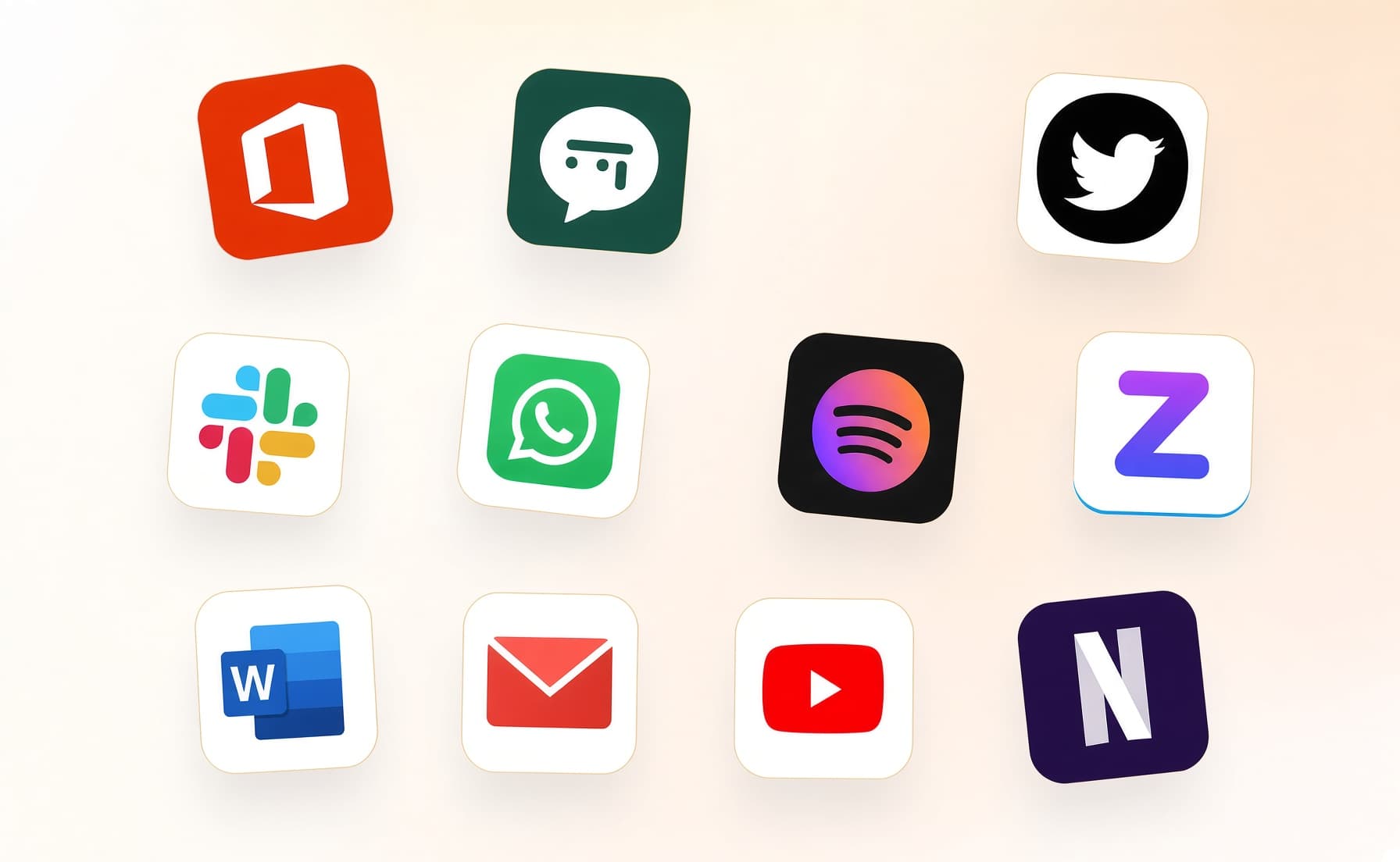
2. It covers every app you work
Your whole day on the computer — meetings, email, code, everything in between — read and understood on your own device.
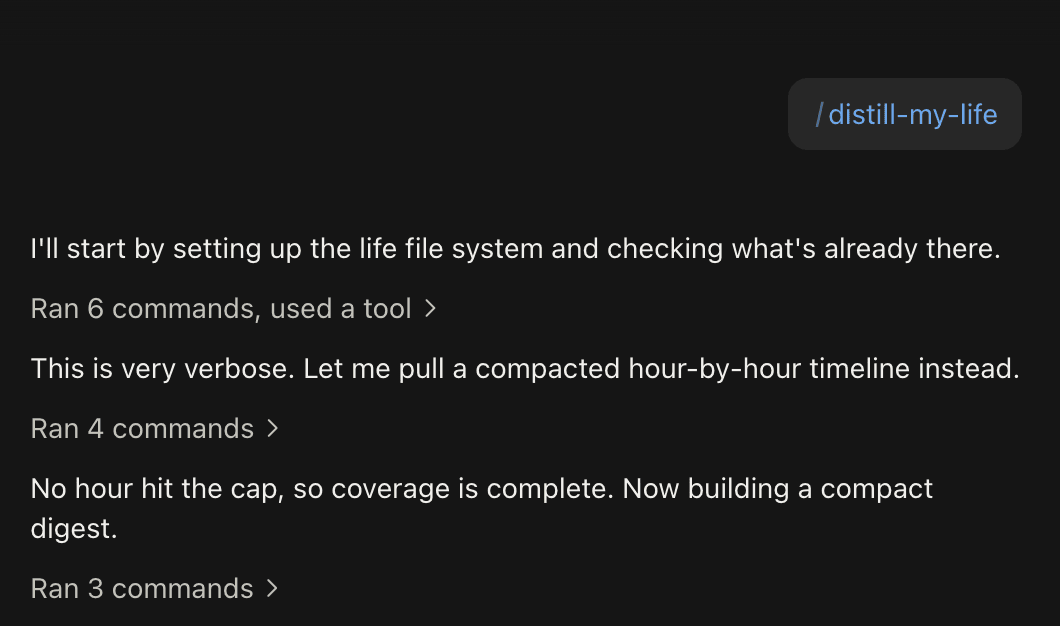
3. Ask in plain language
Install the official skills so your agent can answer your questions base on Luci's memory.
Frequently asked questions
No. There is no Slack app, no bot user, and no token. LUCI remembers the Slack that was on your screen on this machine, which is only ever what you already had permission to read.






Start remembering Slack today
Download LUCI, turn on Screen Memory, keep working as you do.
Free on Mac and Windows.