

Recall the Gmail You Read, Without Mailbox Access
Most tools that help with email want permission to read all of it, forever. LUCI wants none. It remembers the messages you actually opened on this machine.
Actions
Everything LUCI remembers in Gmail
Ask for any of these in plain language once LUCI is running. There is nothing to connect in Gmail and nothing to configure.
Granting an app full mailbox scope is a big decision for a small convenience. LUCI never asks. It is not connected to Google, has no token, and cannot read a message you did not open — because the only thing it remembers is what was in front of you.
What that gives you is the practical half of email recall. The quote in the attachment you skimmed, the address in a confirmation from March, the paragraph you read before joining a call: all of it comes back by description rather than by search operator.
And because it is one memory, email sits next to everything else. "The price they emailed and the number they said on the call" is one question, not two.
Easy as one, two, three
How it works
1. Turn on Screen Memory
Install LUCI and press record. It keeps running quietly in the background, and free covers Mac and Windows.
2. It covers every app you work
Your whole day on the computer — meetings, email, code, everything in between — read and understood on your own device.
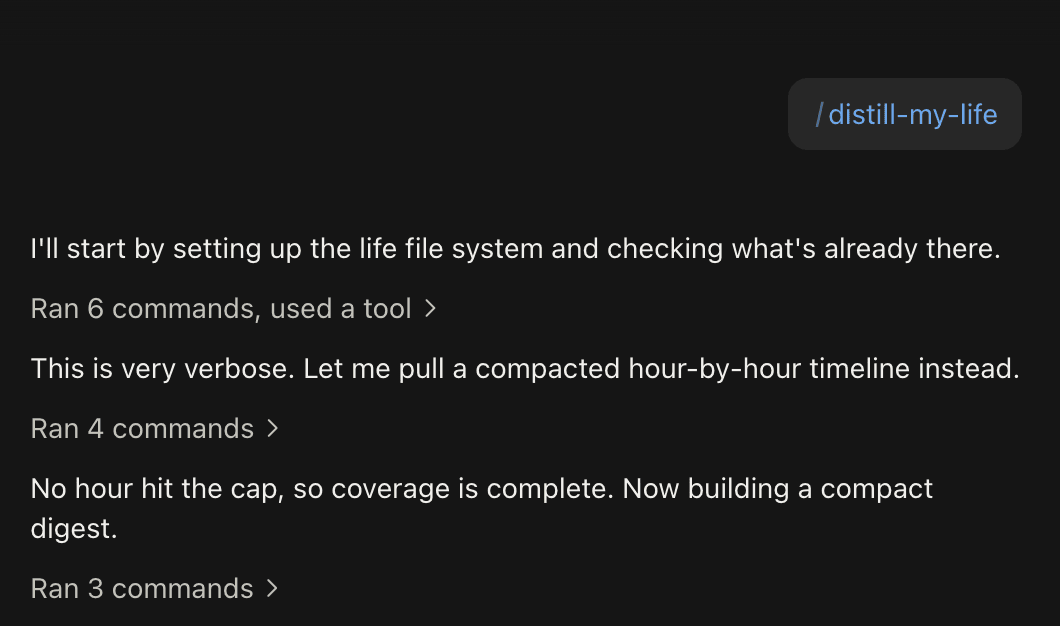
3. Ask in plain language
Install the official skills so your agent can answer your questions base on Luci's memory.
Frequently asked questions
No. There is no Google sign-in, no OAuth consent screen, and no token. LUCI remembers the messages that were on your screen, and nothing else in the mailbox exists as far as it is concerned.






Start remembering Gmail today
Download LUCI, turn on Screen Memory, keep working as you do.
Free on Mac and Windows.