

Find the Discord Answer You Read Once
Good answers live in Discord and stay there. LUCI remembers the ones that were on your screen, including the voice calls, without joining a single server.
Actions
Everything LUCI remembers in Discord
Ask for any of these in plain language once LUCI is running. There is nothing to connect in Discord and nothing to configure.
A lot of real documentation now lives in a Discord server: the maintainer explaining the workaround, the thread where someone posted the working config. It is searchable in theory and unfindable in practice.
LUCI remembers what you read. No bot joins your servers, no token is issued, and nothing is indexed that you were not already looking at. The message that fixed your build three weeks ago comes back by description.
Voice channels are covered too. A stage or a screen share is audio and pixels on your machine, so it gets the same treatment as a meeting.
Easy as one, two, three
How it works
1. Turn on Screen Memory
Install LUCI and press record. It keeps running quietly in the background, and free covers Mac and Windows.
2. It covers every app you work
Your whole day on the computer — meetings, email, code, everything in between — read and understood on your own device.
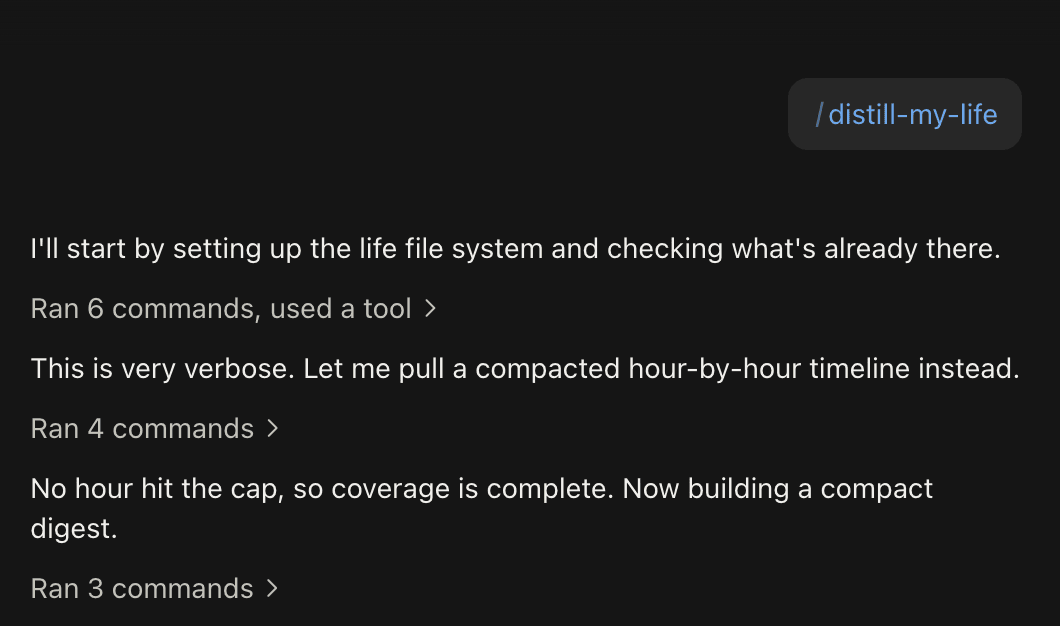
3. Ask in plain language
Install the official skills so your agent can answer your questions base on Luci's memory.
Frequently asked questions
No. Nothing is invited to any server and no token is issued. LUCI remembers the Discord that was on your screen, which is only what you already had access to.






Start remembering Discord today
Download LUCI, turn on Screen Memory, keep working as you do.
Free on Mac and Windows.