

Search the YouTube Videos You Actually Watched
Watch history gives you thumbnails. LUCI gives you the sentence at 14:32 and the command that was on screen while it was said.
Actions
Everything LUCI remembers in YouTube
Ask for any of these in plain language once LUCI is running. There is nothing to connect in YouTube and nothing to configure.
You watched a talk, a tutorial, a conference recording. Two weeks later you need one specific thing from it: a flag, a claim, a diagram. Watch history hands you a wall of thumbnails and wishes you luck.
LUCI keeps the audio and the frame together, so a video becomes searchable the same way a document is. Ask for the part where they explained the caching strategy and you get the moment, with the code that was on screen at the time.
It covers whatever else you play too — conference streams, recorded webinars, a course behind a paywall. Nothing depends on the platform having a transcript.
Easy as one, two, three
How it works
1. Turn on Screen Memory
Install LUCI and press record. It keeps running quietly in the background, and free covers Mac and Windows.
2. It covers every app you work
Your whole day on the computer — meetings, email, code, everything in between — read and understood on your own device.
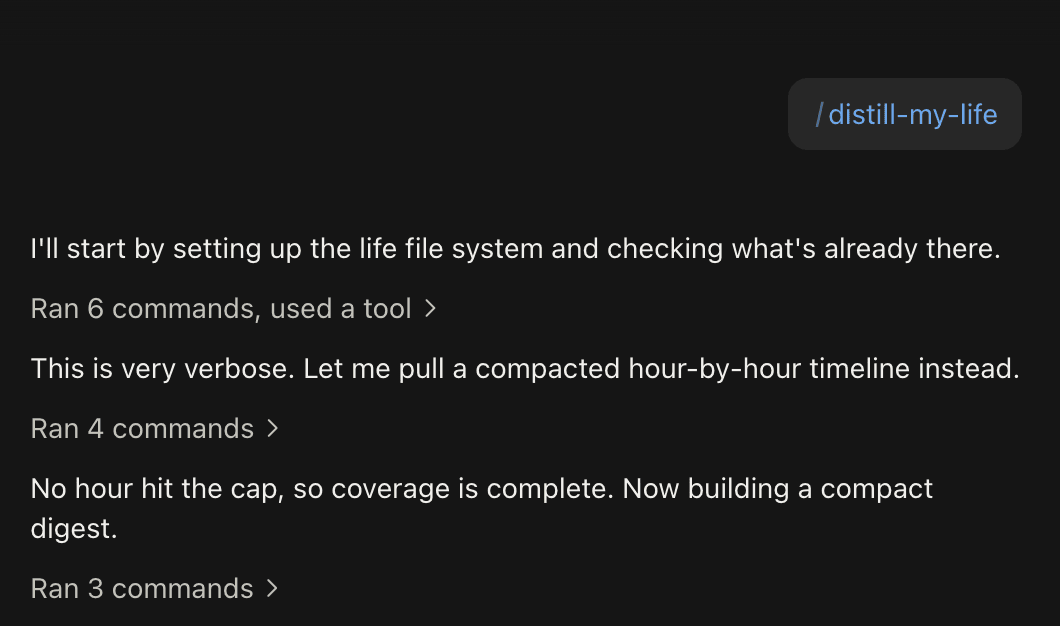
3. Ask in plain language
Install the official skills so your agent can answer your questions base on Luci's memory.
Frequently asked questions
No. Nothing is downloaded and no file is saved from the platform. LUCI remembers what played on your screen, the same way it remembers any other window.






Start remembering YouTube today
Download LUCI, turn on Screen Memory, keep working as you do.
Free on Mac and Windows.