Granola Is Bot-Free. It Is Not Local.
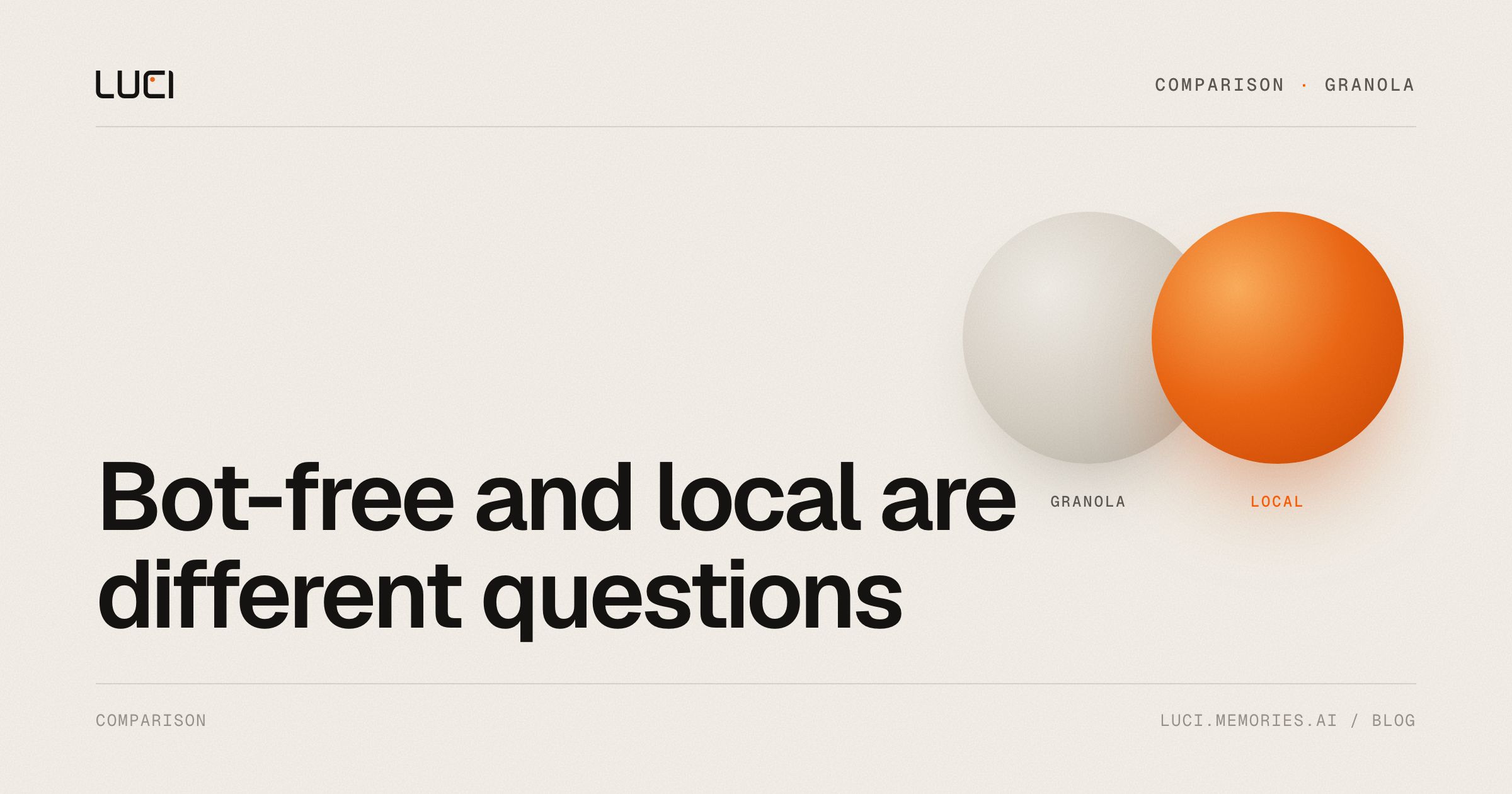
Granola earned the "no bot" slot in 2026 notetaker lists. That sentence is true. It is also incomplete.
Bot-free answers "does a stranger appear in the Zoom roster." Local answers "who hears the audio after you hit record." Those are different questions. Granola's own transcription documentation answers the second one: audio is passed from your microphone and system audio to a cloud transcription provider, and transcripts are stored on US-hosted AWS.
If you picked Granola because a bot felt rude, you are fine. If you picked it because client conversations should stay off someone else's disk, read the rest of this.
TL;DR
- Granola does not send a meeting bot. LUCI does not either.
- Granola does send audio to a cloud transcription provider. LUCI processes on your Mac or Windows machine.
- Non-Enterprise Granola accounts train on anonymized data unless you opt out. Granola cannot sign a BAA.
- Desktop Granola labels speakers "Me" or "Them." Live speaker ID is not on the desktop app.
- Stay on Granola if you want polished shared notes and are fine with US cloud transcripts. Switch if the reason you wanted "private" was the processor, not the participant list.
What Granola actually does well
Give the product its due. It made bot-free capture normal. Notes are clean. Templates are good. After the March 2026 Series C it is pushing from notetaker toward an enterprise "context layer." Most people who leave are not leaving because the recap is bad.
The leave reasons are narrower:
- Privacy fine print — cloud transcription, US AWS, training opt-out, no BAA.
- Speaker ID — "Me" / "Them" on desktop.
- Scope — meetings only. The PR, the deck, the thread never enter the record.
Official path first (stay on Granola)
If you want to stay:
- Turn off model training in settings if you are not on Enterprise.
- Do not put PHI or anything that needs a BAA through it. Their docs say they cannot sign one.
- Treat the note as a cloud artifact. Export anything you cannot afford to lose.
- Use iPhone in-person capture if you need real speaker names. Desktop will not do live diarization.
That is the honest "fix Granola" list. None of it makes the audio local.
When bot-free is not enough
A useful test: turn Wi-Fi off and record a two-minute call. If the transcript still appears, the processor is on the machine. If it waits for a network, the processor is not you.
Granola fails that test by design. Cloud transcription is how it ships speed and polish. That is a legitimate product choice. It is not "your meeting never leaves the room."
The same split shows up in almost every 2026 list that ranks Granola as the privacy pick. They scored the bot column and skipped the processor column.
The local version of the same job
LUCI captures the same way Granola does — from your computer, no bot in the call — then keeps capture, understanding, and storage on the device. Speaker names are resolved on-device. The screen is in the same memory as the meeting, so "what was on the slide when the CFO pushed back" is answerable.
It is free. There is no paid tier to unlock "actually local."
It is not a Granola clone. You lose some of Granola's note-sharing polish. You gain a record that still works with the cable unplugged.
Related
- 1:1: LUCI vs Granola
- List: Best Granola alternatives in 2026
- Short version: Is Granola local?
- The two-axis table: Bot-free vs local vs cloud


