Bot-Free vs Local vs Cloud AI Notetakers: What Protects Your Data
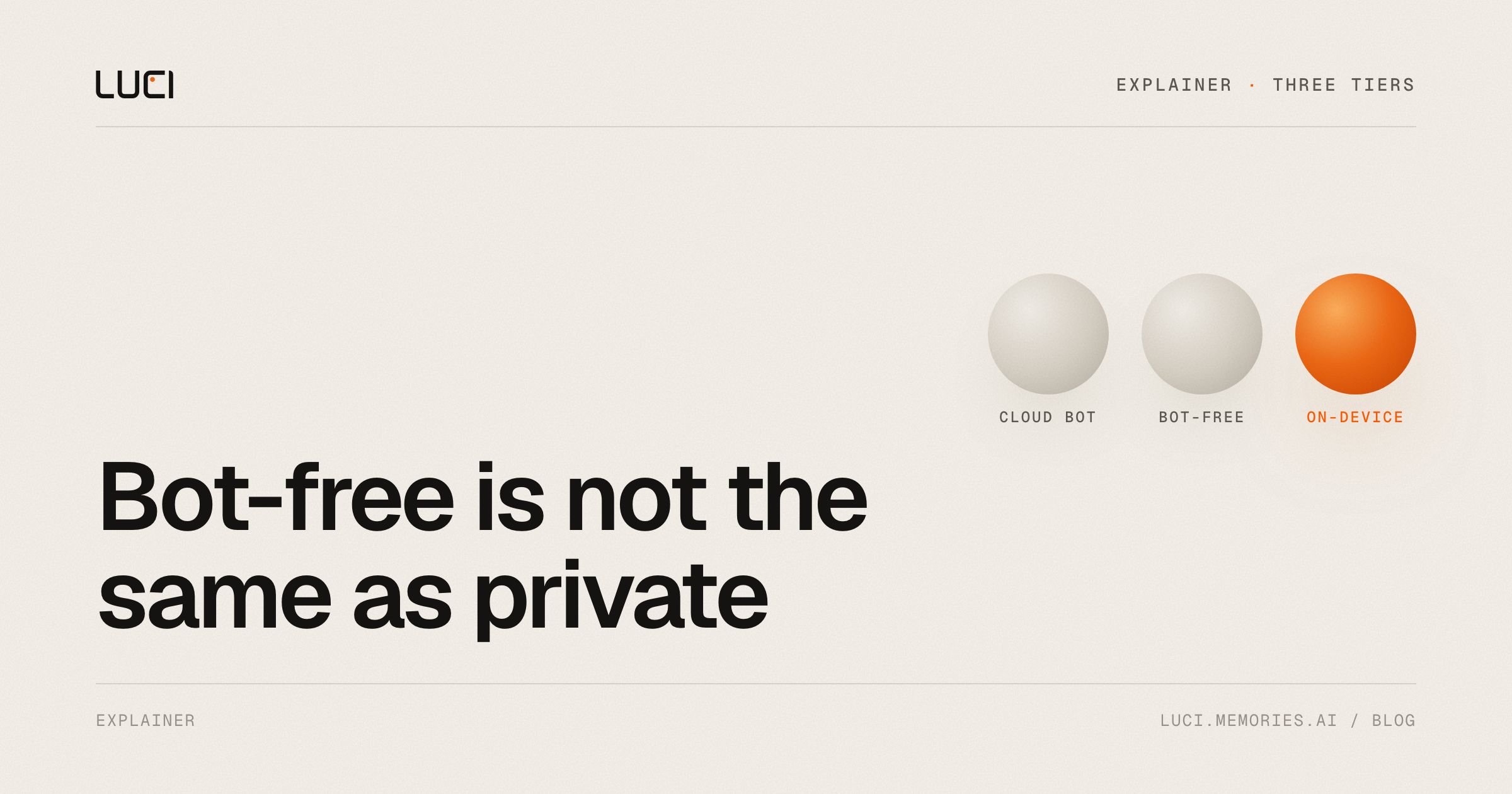
Every AI notetaker now leads with a privacy claim. "No bot joins your call." "GDPR-compliant." "Your data is encrypted." All of these can be true while your meetings still sit, transcribed and searchable, on a server you don't control.
The confusion comes from collapsing two separate questions into one:
- How is the meeting captured? (Does a bot join the call, or does software record on your machine?)
- Where is the audio processed and stored? (On your device, or in someone's cloud?)
These questions are independent. A tool can be bot-free and cloud-based. Mapping real products onto both axes gives you three tiers — and the differences between them are the whole decision.
Tier 1: Bot-based, cloud-processed
Examples: Otter.ai, Fireflies.ai, Fathom, Read.ai, tl;dv
These tools send an automated participant into your Zoom, Meet, or Teams call. This isn't hidden — it's the design. Fireflies states its bot is "always visible in the participant list to ensure compliance". Otter's notetaker joins under your name and posts a live-transcript link in the meeting chat. Read.ai's assistant introduces itself at the start of every meeting with opt-out instructions. (Fathom added an optional bot-free mode in its 3.0 release in 2026, a telling sign of where the market is going.)
The visible bot is honest about consent, but it creates friction: hosts must admit it through waiting rooms, external guests sometimes refuse it, and IT departments increasingly block notetaker domains in Zoom admin settings. Microsoft's Teams ecosystem has its own well-documented governance struggles with third-party bots.
The deeper issue is architectural: the bot is a cloud client. Your meeting's audio and video stream to the vendor's servers, where transcription, summarization, and storage happen. Your meetings live on their infrastructure, under their retention policy, subject to their subpoenas and their breaches. That exposure isn't hypothetical: Otter is currently defending a consolidated federal class action alleging its notetaker recorded participants who never consented and that recordings were used to train its models (NPR's coverage; Otter denies the claims, and the case is undecided). Whatever the outcome, the suit illustrates the structural fact: when a vendor's cloud holds everyone's meetings, everyone shares the vendor's legal and security weather.
Tier 2: Bot-free capture, cloud processing
Examples: Granola, Jamie, Notion AI meeting notes
This tier fixed the social problem. No bot joins the call — the app records microphone and system audio directly on your computer, so meetings look like meetings and in-person conversations work too.
But read the security pages, because capture and processing are different steps:
- Granola doesn't store your audio, which is genuinely better than keeping it. It does, however, route audio to cloud transcription and AI providers — its security page names Deepgram, AssemblyAI, OpenAI, and Anthropic — and stores your transcripts and notes in a US-hosted AWS cloud.
- Jamie uploads your audio to servers in Frankfurt, deletes the audio after transcription, and generates notes via the OpenAI API — described plainly on its own blog. EU residency and GDPR audits are real diligence. They're also an acknowledgment that your meetings are on Jamie's servers, because that's what makes residency matter.
To be fair to this tier: these are disclosed, competently engineered architectures, and "audio deleted after transcription, transcripts encrypted in the EU" is a reasonable trade for many teams. But the phrase to interrogate is "your data is encrypted" — encrypted on whose machine? Encryption at rest on a vendor's server protects against some attacks. It doesn't change who ultimately holds your meetings.
Tier 3: Bot-free capture, on-device processing
Examples: LUCI, Meetily, anarlog (formerly Hyprnote), screenpipe
The third tier moves the processing to your machine, not just the capture. Speech-to-text and summarization models run locally — on your CPU, GPU, or NPU — and transcripts, summaries, and search indexes are stored on your own disk. There is no server-side copy because there is no server side.
This tier splits by how much assembly is required. Open-source tools like Meetily (MIT, local Whisper/Parakeet transcription with Ollama summaries) and anarlog prove local processing works, aimed at users comfortable with API keys and model choices. LUCI ships the same architecture as a finished product on Mac and Windows: local transcription, local summaries, a local memory across your meetings and your screen, working out of the box. (Disclosure: LUCI is our product — which is exactly why we're giving you the verification test below instead of asking you to take our word.)
What this tier means practically:
- Nothing to upload means nothing to breach, retain, or subpoena from a vendor. The question "what's your retention policy for my meetings?" stops having a vendor in it.
- Offline is a feature, not a failure. No connection on a flight or in a client's SCIF-adjacent conference room? Local processing doesn't notice.
- Regulated work gets simpler. Under HIPAA, a cloud vendor touching patient conversations is a business associate requiring a signed BAA — and per HHS, holding only encrypted data doesn't exempt them. The NYC Bar's Formal Opinion 2025-6 tells lawyers to evaluate where an AI notetaker stores data, whether it trains on conversations, and how deletion works before using one with clients. On-device tools collapse most of that questionnaire: the data is wherever your laptop is.
The airplane-mode test
Privacy claims are cheap; falsifiable ones aren't. Here's the one test anyone can run in two minutes:
Turn on airplane mode. Record a short conversation. See if you get a transcript.
Genuine on-device processing keeps working, because the models run locally and need no network. Cloud processing fails, because the audio has nowhere to go. No security page, badge, or compliance PDF can fake this result. If a tool claims "local" or "private" and can't produce notes with the network off, its privacy story is a policy, not an architecture.
One more axis: what happens when the company changes
Cloud tools carry a dependency risk that has nothing to do with breaches. In December 2025, Meta acquired Limitless (formerly Rewind); the Rewind Mac app disabled all capture on December 19, service ended immediately in seven countries, and users got a two-week window to export years of personal memory before deletion. Nobody misused the data — the product simply stopped, and the data's fate was decided by an acquisition. Meeting archives on your own disk don't have that failure mode: if the vendor vanishes tomorrow, your files are still yours. (We wrote a full migration guide for displaced Rewind users.)
A note on consent, whichever tier you choose
No architecture exempts you from being straight with people. Roughly a dozen US states — California, Florida, Illinois, Massachusetts, Pennsylvania, and Washington among them — require all parties to consent to recording a private conversation, and the GDPR applies to recordings of EU participants regardless of where processing happens. Bots handle disclosure by being visible; bot-free tools hand that responsibility back to you. Take it: say you're recording. The tiers above only change what happens to the recording after everyone said yes.
The bottom line
| Bot in your call | Audio leaves your device | Passes airplane-mode test | |
|---|---|---|---|
| Otter, Fireflies, Fathom, Read.ai, tl;dv | Yes | Yes | No |
| Granola, Jamie, Notion AI | No | Yes | No |
| LUCI, Meetily, anarlog | No | No | Yes |
If bots are your only concern, tier 2 solves it — we compare the bot-free options head-to-head on our no-bot AI notetaker page. If the actual question is "who ends up holding my meetings?" — the question behind attorney-client privilege, HIPAA, board discussions, and plain personal comfort — only tier 3 answers "you, and no one else."
LUCI is the tier-3 option built for people who don't want to assemble one: bot-free capture, 100% on-device processing, screen memory, and an agent, on Mac and Windows. Run the airplane-mode test on us first.


