Best AI Meeting Notes Apps for Mac in 2026

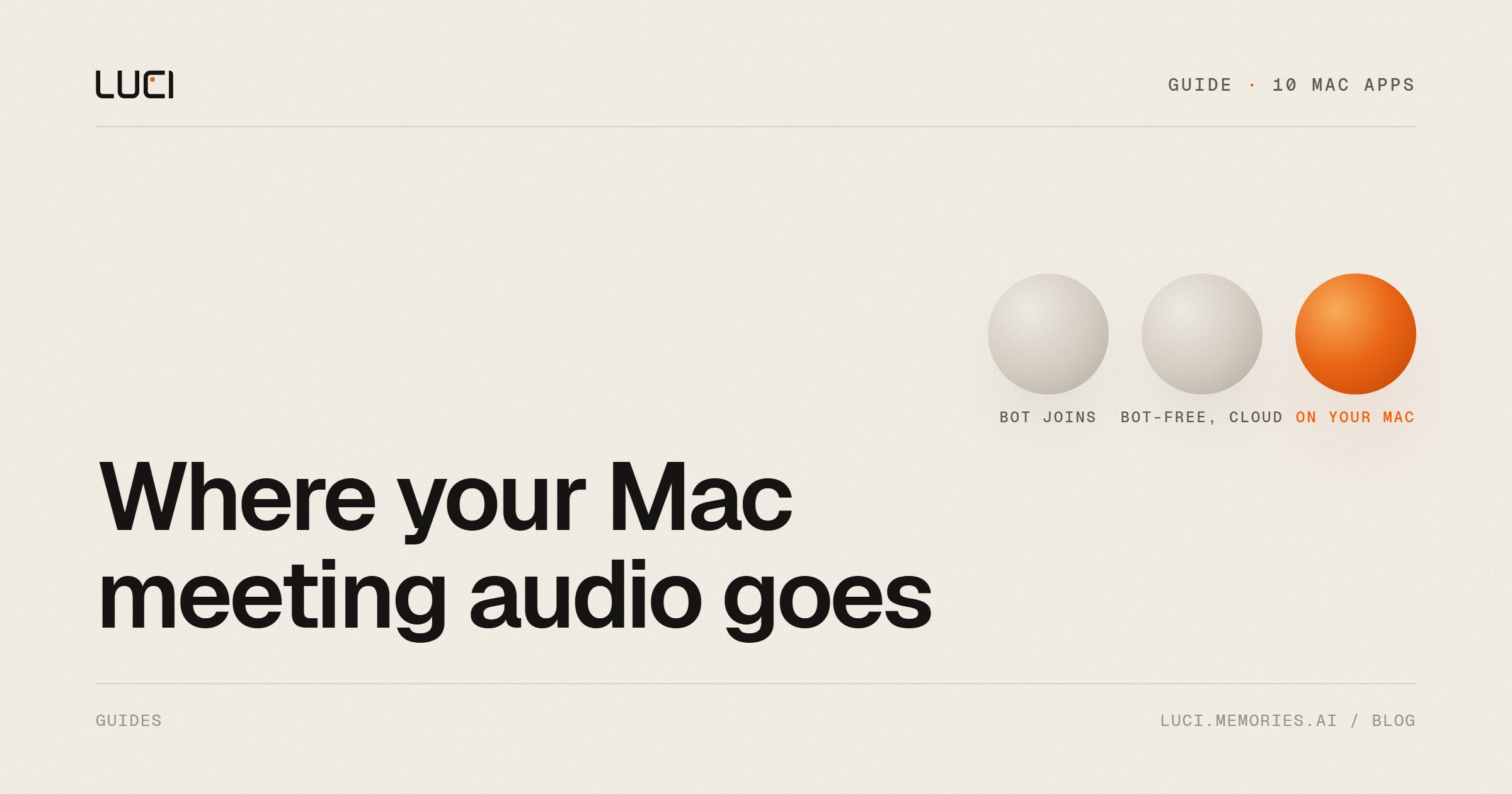
A Mac can do something a browser tab can't: it can hear the call itself. Any app with the Screen and System Audio Recording permission can take notes on Zoom, Google Meet or Teams without sending a bot into the meeting. Most of the good Mac notetakers now work this way, so "no bot" is no longer what separates them.
What still separates them is where your audio goes after it's captured, what the free plan really covers, and whether the app runs on your Mac at all. This guide compares ten apps on those points. We make LUCI, one of the ten, so every claim about the others comes from their own pricing pages, help centers and docs, checked in November 2026.
TL;DR
- Nearly every app here can take notes without a bot on a Mac. Otter and Fireflies still use a bot for some setups, and Fathom's bot-free mode is a beta.
- Only three keep transcription on your Mac by default: LUCI, MacWhisper and Meetily. Krisp offers on-device English transcription, but its pricing page lists on-device recordings and transcripts as an Enterprise feature. The rest send audio to a server to be written down.
- The most generous free plans are LUCI (free, no paid tier), Fathom (unlimited recordings) and Meetily's open-source edition. Krisp has no free plan, only a 7-day trial.
- LUCI and Meetily need Apple Silicon. MacWhisper runs on Intel, but its local speaker features need an M-series chip.
The ten apps side by side
| App | macOS | Bot joins the call? | Where transcription runs | Free plan | Cheapest paid |
|---|---|---|---|---|---|
| LUCI | 13+, Apple Silicon | No | On your Mac | Everything, no account | None, it's free |
| Granola | 14+ | No | Cloud | 30 days of history | $14/user/mo |
| Otter | 12.3+ | Desktop app no, Notetaker yes | Cloud | 300 min/mo, 30 min per meeting | $8.33/mo yearly, $16.99 monthly |
| Fathom | Mac app | Your choice (bot-free is beta) | Cloud | Unlimited recordings | $16/mo yearly, $20 monthly |
| Jamie | Mac app | No | Cloud (EU) | 10 notes/mo, 30 min each | Plus, listed at $24 |
| MacWhisper | 14+ | No (meeting recording is Pro) | On your Mac by default | File and mic transcription | €65 once |
| Notion AI | 13+, Notion app 4.7+ | No | Cloud | Limited trial | Business, $20/member/mo yearly |
| Meetily | 11+, Apple Silicon | No | On your Mac | Open-source edition | $10/user/mo yearly |
| Krisp | Mac app | No by default | English on device or server; 15 other languages on server | 7-day trial only | $8/mo yearly, $16 monthly |
| Fireflies | 12+ | Yes by default, desktop app can skip it | Cloud | Limited summaries, 400 min storage | $10/mo yearly, $18 monthly |
Prices are per person and come from each vendor's pricing page in November 2026. They change often, so check before you buy.
Three things to check on a Mac
Does a bot join?
Bot-free capture records what your Mac plays and what your microphone hears. Nobody sees a notetaker in the participant list, it works on platforms that block bots, and it works for a conversation in the room. The trade-off is that it only captures calls you join from that Mac. You should still tell people you're recording. We cover the differences in more depth in bot-free vs local vs cloud.
Where is the audio written down?
"No bot" says nothing about where the transcript is made. Granola, for example, captures on your Mac and then streams the audio to its transcription provider, which needs a live connection. For most meetings that's fine, but it matters if you handle client, legal or health conversations, or if your company doesn't allow meeting audio to leave the device. In that case, the shortlist is LUCI, MacWhisper and Meetily.
What does free mean?
Free plans differ more than the paid ones. Some cap minutes, some cap meeting length, some delete history after 30 days, and one (Krisp) is a trial. Look at the limit that would hit you first. For a person with five hour-long calls a week, a 30-minute cap matters more than a monthly minute total.
The apps
LUCI
LUCI is a free Mac and Windows app that takes notes on Zoom, Meet, Teams and in-person conversations without a bot. It hears both sides of the call, yours and theirs, and the recording isn't sent away to be written down. Recordings and notes are saved encrypted on your Mac, and it keeps working with Wi-Fi off. There is no account and no paid tier.
It also does more than meetings. LUCI remembers your whole day on the computer, so the call sits in the same memory as the deck you had open and the email you sent after. You can search it later, ask about it in chat, or let Claude, Cursor or Codex look it up through Agent Bridge. What an agent looks up goes into that conversation, and to that agent's provider.
It needs an Apple Silicon Mac on macOS 13 or later, and Intel Macs are not supported. It records the calls you take on your own computer, so it doesn't replace a bot that records every meeting across a team.
Pick it if you want the audio and the notes to stay on your Mac, and you'd rather not pay. Setup is in meeting notes without a bot.
Granola
Granola is the app most people mean by "AI notes for Mac". You type rough notes during the call, and it fills them in from the transcript afterwards. It captures system audio, so no bot joins, and it names speakers on Zoom, Meet and Teams.
Transcription happens in the cloud and needs a connection. Granola deletes the audio after transcription and stores notes on AWS in the US. It needs macOS 14 or newer. The free Basic plan keeps 30 days of meetings and leaves out integrations and the API. Business is $14 per user per month.
It suits people who like writing their own notes during a call and want them tidied up. If where the audio goes matters, read is Granola local? first.
Otter
Otter has had a bot-free Mac and Windows app since October 2025. It also still offers the Otter Notetaker, which joins calendar meetings as a visible participant. Transcripts are live and labelled with speaker names.
Data is stored on AWS, and Otter trains its own models on de-identified customer data. The free Basic plan gives you 300 minutes a month, but each conversation stops at 30 minutes and only the 25 most recent are kept. Pro is $16.99 a month, or $8.33 a month billed yearly.
Choose Otter if you want live transcripts during the call and a team workspace afterwards.
Fathom
Fathom has the most generous free plan of the cloud tools: unlimited recordings and transcriptions, with instant summaries. On a Mac you can choose bot-free capture or the bot.
Bot-free capture is still labelled beta, and bot-free video is a limited beta. Fathom was bought by Superhuman in September 2026. Premium is $20 a month, or $16 billed yearly.
It's the pick for a free plan you won't outgrow, if you don't mind the cloud.
Jamie
Jamie captures on your Mac with no bot and no calendar invite, then streams the audio for transcription. Processing and storage stay in the EU, Switzerland and the UK, and Jamie says the audio isn't stored. Speaker recognition is on every plan, including free.
The free plan is 10 notes a month, each up to 30 minutes. Paid plans start with Plus, listed at $24, and Pro is $46 a month billed yearly.
Jamie fits if you need EU data residency more than on-device processing.
MacWhisper
MacWhisper is a native Mac transcription app, and transcription runs on your Mac by default. Pro records meetings in Zoom, Teams, Webex, Discord and others automatically, adds automatic speaker labels, and lets you bring your own AI key for summaries, or run them locally through Ollama.
It's a transcription tool first. Meeting recording, system audio and automatic speaker labels are Pro features, and the local speaker features need an M-series chip. Pro costs €65 once, with no subscription. It needs macOS 14 or later, with older builds kept for older systems.
Choose it if you transcribe a lot of audio besides meetings and want to pay once.
Notion AI Meeting Notes
Notion AI Meeting Notes lives inside the Notion desktop app and writes the transcript and summary straight into a page. On a Mac it captures system audio with no bot and can prompt you when a meeting app starts using the microphone.
Audio is sent to several AI sub-processors for transcription. Speaker labels work best in 1:1 calls and are English only. On Free and Plus it's a limited trial, and for real use you need Business, $20 per member per month billed yearly.
It makes sense if your team already runs on Notion.
Meetily
Meetily is open source under the MIT license. Audio and transcription stay on your Mac, using Whisper or Parakeet, and summaries run on a local model by default unless you choose a cloud one. It works offline.
Speaker identification and automatic meeting detection are in Pro, at $10 per user per month billed yearly. It needs an Apple Silicon Mac. We compared it with Granola in Meetily vs Granola.
Choose Meetily if you want open source and don't mind some setup.
Krisp
Krisp started as noise cancellation and now takes meeting notes too. It works at the audio level, so no bot joins. Krisp says it can transcribe English on the device and handles 15 other languages on its servers.
There is no free plan for meeting notes, only a 7-day trial. Krisp's pricing page lists on-device recordings and transcripts as an Enterprise feature, and it doesn't say where the AI summaries are made. Sign-up connects a Google or Outlook calendar by default. Core is $16 a month, or $8 billed yearly.
It's worth a look if you already pay for Krisp's noise cancellation.
Fireflies
Fireflies is built around a bot that joins Zoom, Meet and Teams. Its Mac app (macOS 12 or later) adds bot-free capture and starts transcribing when it detects a meeting.
In bot-free mode, speakers show as Speaker 1 and Speaker 2, and no audio or video file is saved. The free plan has limited summaries and 400 minutes of storage per team. Pro is $18 a month, or $10 billed yearly.
Fireflies is for teams that want the bot, CRM integrations and a shared library.
How to choose
If the audio must stay on your Mac, choose between LUCI (free, and it remembers the rest of your day), Meetily (open source) and MacWhisper (pay once, strong transcription). If you're fine with the cloud and want the best free plan, use Fathom. If you write your own notes during calls, use Granola. If your team lives in Notion, use Notion AI. For a team recorder with a bot and CRM sync, use Fireflies or Otter.
For the wider field, including tools without a Mac app, see our best AI notetaker comparison.
Frequently asked questions
What is the best AI meeting notes app for Mac?
It depends on what you care about most. For keeping audio and notes on your Mac at no cost, LUCI. For the best cloud free plan, Fathom. For writing notes alongside the AI, Granola. For open source, Meetily. All four can take notes without a bot, though Fathom's bot-free mode is in beta.
Is there a free AI meeting notes app for Mac?
Yes. LUCI is free with no account and no paid tier. Fathom's free plan has unlimited recordings. Meetily's Community Edition is free and open source. Granola, Otter, Jamie and Fireflies have free plans with limits on history, minutes or summaries. Krisp only has a trial.
Which Mac meeting notes apps work offline?
LUCI, Meetily and MacWhisper transcribe on your Mac, so they keep working without a connection. Granola caches notes offline, but it needs a connection to transcribe.
Do these apps work on Intel Macs?
Not all of them. LUCI and Meetily need Apple Silicon. MacWhisper runs on Intel, but some Pro features need an M-series chip. Otter, Fireflies and Granola list a minimum macOS version but don't say whether Intel Macs are supported.
Can a Mac app take notes without a bot joining the call?
Yes. With macOS screen and system audio permission, an app can hear the call from your Mac. LUCI, Granola, Jamie, Notion AI, Meetily and Krisp work this way by default. MacWhisper does it with Pro. Otter, Fathom and Fireflies offer it alongside a bot.
Do I still need to tell people I'm recording?
Yes. Bot-free means nobody sees a notetaker, not that recording is hidden from the law. Consent rules depend on where you and the other people are, so tell them at the start of the call.