Life memory for lawyers: the whole working day
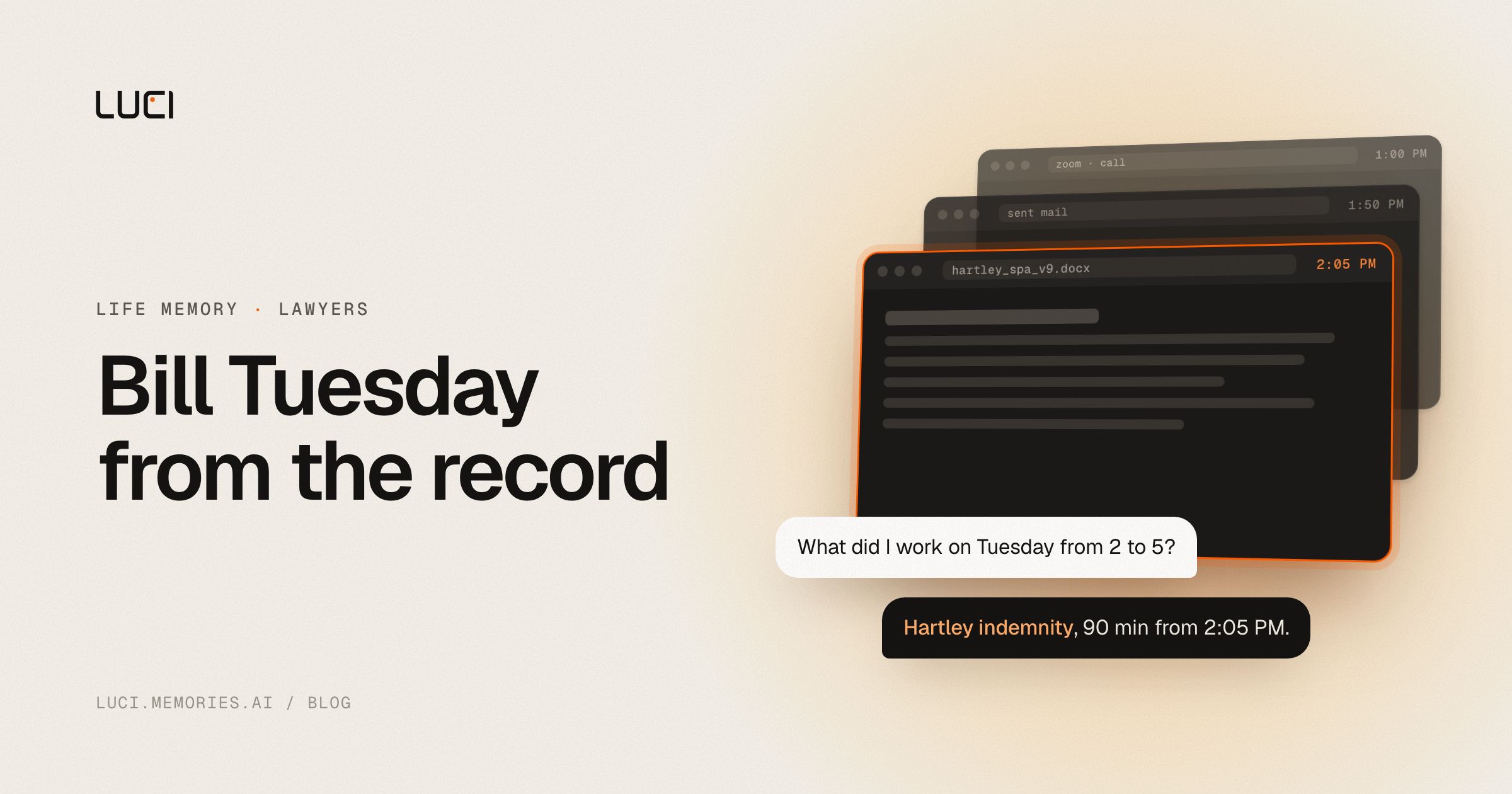
It is 6:40 on Friday evening and you are rebuilding Tuesday out of a calendar. Two entries just say "call." Between them sits a 90 minute gap you know went to the indemnity language in the Hartley draft, though whether it was 90 minutes or 40 with a coffee in the middle is not something the calendar knows. So you open your sent mail. Then the document's version history. Then a Slack thread, to find the moment you asked a colleague about the carve-out. You triangulate, you type "1.5, matter review," and you move on. It is a guess wearing a decimal point, and it is almost certainly low.
That is the small version of the problem. The large version is the matter that ran eleven months and lived in the head of the associate who left in March.
Meetings are not the record
Legal work is a paper trail that mostly never becomes paper. The call is the part someone thought to record. The actual work happened around it: the clause you read against the 2023 precedent, the email where the client said the June date was flexible and then, three weeks later, said it never was, the redline you scrolled through at 11pm and closed without saving a note. A notetaker hands you the transcript of one hour and knows nothing about the other seven.
LUCI is not a notetaker. It is your computer's history. Your whole day on the computer: meetings, email, code, everything in between. Both sides of the audio on a call, the documents on screen, the research you ran, the browsing. All of it is understood on-device and stored encrypted on your machine. Cards, keys, and passwords are blacked out before anything is saved, and you can exclude private windows outright.
Then the second half, which is the part that actually changes your week. Your agent, whether you work in Claude, Cursor, or Codex, connects through the Agent Bridge. LUCI connects itself, nothing to set up. Your agent asks your memory questions in plain English and reads only what a question needs. For the first time the model you already talk to every day knows what you did on Tuesday.
Four things that get shorter
Billable reconstruction. Instead of guessing from calendar shapes, ask your agent: "walk me through what I worked on Tuesday between 2 and 5, and tell me which matter each block belongs to." You get the drafting session, the two interruptions, the fifteen minutes in the client's data room. You still exercise judgment about what is billable. You stop exercising imagination.
Matter timelines. "Every time this client talked about the June deadline, in order, across calls and email." That is one question now, not a paralegal afternoon. The useful part is that it spans surfaces: the concession on a Thursday call and the walk-back in a Monday email land in the same answer, because both passed through your computer.
The document you cannot name. "The spreadsheet I had open Tuesday afternoon with the escrow schedule." Nobody remembers filenames. People remember the day of the week and roughly what the thing looked like, which is exactly what natural language search is good at.
Handoff and continuity. Your agent distills each day and writes your Life: a folder of ordinary files on your disk. Not an export you request, a folder that already exists, in formats you can read in any text editor in 2036. When you pick a matter back up after four months dormant, the daily record is there. When you hand it off, there is something to hand over besides a folder of PDFs and your best recollection.
The honest part
Privilege deserves a straight answer rather than a marketing one. Your memory is built and stored on your machine, encrypted, with no cloud processing step. That removes the third-party disclosure question that hangs over cloud notetakers. It does not remove your obligations: informed consent before recording client conversations, all-party consent statutes in roughly a dozen states, and your own judgment about which conversations belong in any durable record at all. Some do not. You should still be the one deciding.
There is also a real seam at the agent. The memory stays on your machine, but what an agent reads reaches that model's vendor. If you point Claude at a privileged matter, Claude's provider sees what Claude reads. That is not a footnote to bury: it is a decision to make deliberately, matter by matter, and if the answer is no for a given client then query your memory yourself and leave the agent out of it. Two things make the choice yours rather than a lock-in. You pick the agent, and the memory outlives it. Two more caveats while we are being plain: LUCI is not open source, so the on-device claim is ours to make and yours to evaluate, and it only remembers time when the machine was on and capturing. The dinner where the client changed their mind is not in there.
Where to start
Run it for one week on the matters you already work on a laptop, then ask your agent what you did last Tuesday and compare that against what you would have guessed. That comparison is the whole pitch.
Download LUCI for Mac or Windows, free, or read more about the confidentiality analysis on our page for lawyers.


