Fix: Screenpipe stopped recording, disk full
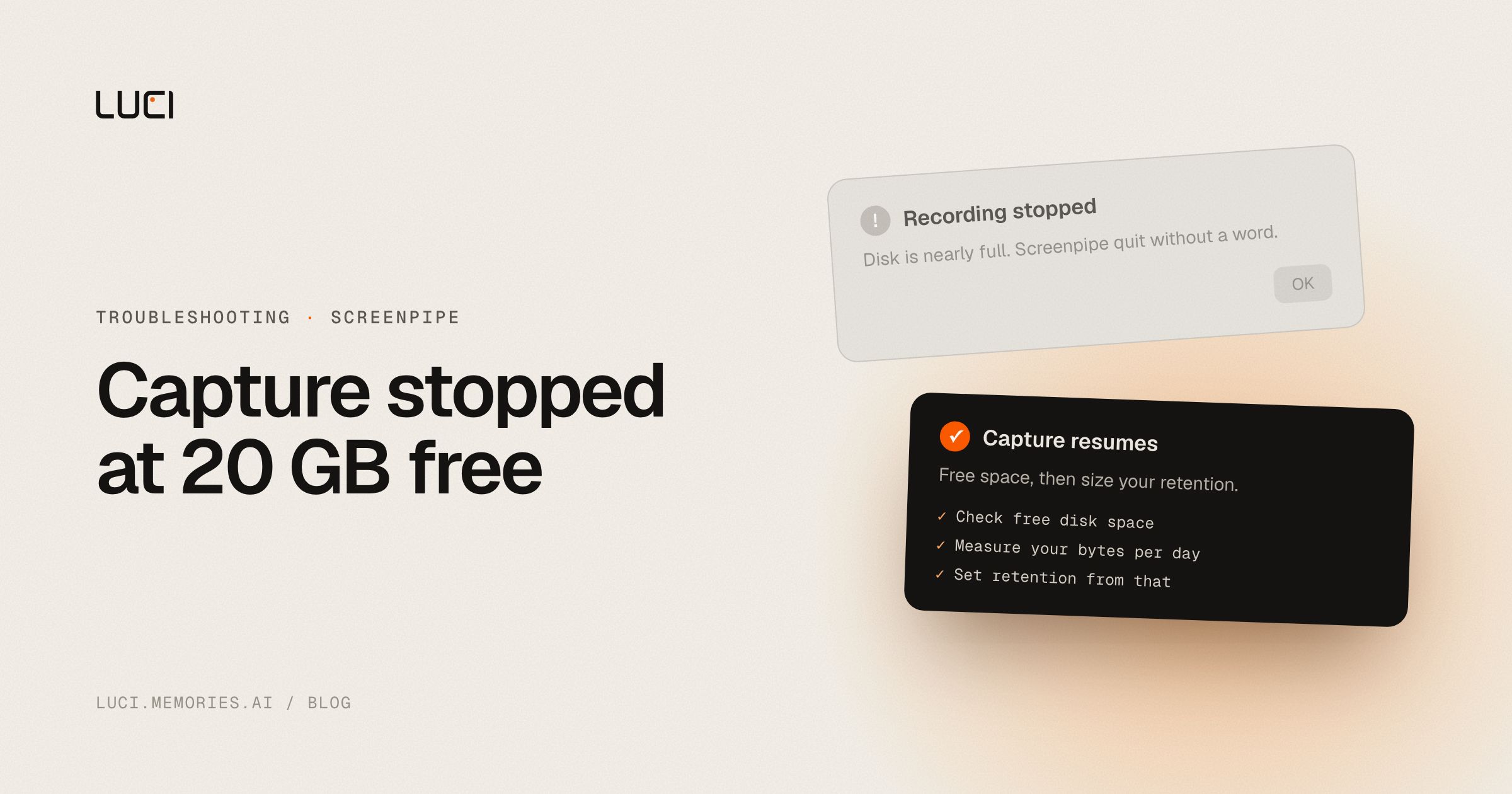
Screenpipe was recording for months, then the timeline stops. Maybe the app tells you the database is broken. Maybe it says nothing at all. Before you go looking for corruption, check free disk space, because the most likely answer is that capture hit a floor and shut itself off, and the error message points somewhere else.
TL;DR
- Capture hard-stops at a fixed 20 GB free-disk floor.
- Retention is configured in days, and days do not bound bytes. Usage varies more than 10x between users.
- A months-old store can also stall on SQLite lock contention, which looks identical from outside.
- The maintainers documented both. Neither has a fix in a release yet.
What people are saying
The clearest description of this is the maintainer's own, in screenpipe#6242, opened 2026-08-14 and still open. Worth quoting at length because it is unusually direct:
screenpipe records 24/7. every other 24/7 recorder ever built (dashcam, NVR, DVR, Ring, Tesla sentry) solved storage the same way: you give it a fixed size, it recycles the oldest footage, it never stops. screenpipe instead bounds storage by time (retention days) and then hard-stops capture at a fixed 20 GB floor.
And on why that produces the experience you are having:
time cannot bound bytes. bytes/day varies by more than 10x across users depending on monitor count, resolution and hours awake. so the current model produces a product that is silent, silent, silent, then stops recording, and in the worst case tells the user their database is broken when actually their disk is full.
The second failure mode is tracked in screenpipe#5150, open since 2026-07-13, titled "investigate local database reliability and query performance after 4+ months." On 2026-07-21 the maintainer posted evidence from user reports: "A report lost more than 12 hours of capture while the app remained running. Logs repeatedly show SQLite database is locked, failed frame/UI/audio inserts, and audio retry exhaustion." On 2026-08-06 a user submitted real measurements from a long-running macOS install on 2.5.128 with a 7.45-million-row table, matching the pattern where a very large store stalls before the local API becomes available.
The issue was also explicitly downgraded rather than fixed. On 2026-07-15 the maintainer wrote that they had "converted this from an unmeasured high-priority architecture brainstorm into a medium-priority evidence-gathering issue," to return to high priority only when someone attaches a reproducible failure boundary. That is good engineering discipline. It also means the fix is not close.
There is a third thing that will mislead you while you debug. screenpipe#5808, open since 2026-08-04, documents /health returning a 503 that tells you to check macOS Screen Recording permission when the real cause was Screenpipe's own Saver power profile disabling screenshots. In the maintainer's words, it "sends the user toward macOS permissions when the actionable cause is Screenpipe's own profile/config state."
Why this keeps biting you
Three unrelated things all surface as "it stopped recording," and the app cannot yet tell them apart, so it guesses and often guesses wrong.
The disk floor is the simplest. Screenpipe reserves 20 GB and stops rather than filling your drive, which is the responsible choice. The problem is that your retention setting is measured in days while your consumption is measured in bytes, and nothing converts between them. Someone on a single 1080p display working six hours a day and someone on three 4K displays working twelve produce wildly different daily volumes from the same 30-day setting. One of them never notices. The other hits the floor in six weeks.
The database side is about age rather than size. Months of continuous writes into SQLite plus concurrent read queries from search and the timeline produces lock contention, and under WAL mode a write that loses the lock retries and then gives up. From outside that looks like the app running normally while nothing gets stored, which is the worst possible failure: it is silent, and you only find out when you search for last Tuesday.
The health reporting ties it together badly. A single vision-degraded state gets attributed to permissions, so a disk problem, a config problem, and a lock problem all send you to System Settings to look at a checkbox that was already ticked.
Fix it in Screenpipe first
- Check free disk space before anything else. If you are near 20 GB free, that is your answer and no permission or database work will change it. Free space up and capture should resume.
- Find out what your actual bytes-per-day is. Note the size of your data directory, wait a full working day, note it again. Now you know your real rate, and you can convert your retention setting into a number instead of a hope.
- Set retention from that number, not from a guess. Take your target size, divide by your measured daily rate, and set retention days to that. This is the arithmetic the app does not do for you yet.
- Cut monitor count and resolution. These are the two biggest multipliers in the maintainer's own analysis. Capturing one display instead of three is roughly a third of the bytes.
- Move the data directory to a larger volume if you have one. An external SSD keeps a full history without holding your boot drive hostage.
- If the disk is fine, look for
database is lockedin the logs before you conclude the store is corrupt. That symptom belongs to #5150, and it means writes are being dropped while the app looks healthy. - Do not trust a permissions message on macOS at face value. Per #5808,
/healthwill blame Screen Recording permission when the Saver power profile turned screenshots off. Check your power profile and recording config too. - Run
PRAGMA integrity_checkon a copy of the database if you genuinely suspect corruption. Work on a copy. Then attach the result to #5150, which is explicitly asking for database size, WAL size, integrity check output, and query latency from real installs.
Stay or switch
| Job | Stay with Screenpipe | Switch to LUCI |
|---|---|---|
| You want raw continuous video you can reprocess yourself | Yes, that is the product | No, LUCI does not keep continuous footage |
| You want to tune retention, FPS, and monitors by hand | Yes | No, fewer dials by design |
| You want a memory that grows in text rather than video, so months fit on a laptop | No | Yes |
| You want a clear pause and delete story rather than a silent stop | Partly | Yes |
| You need it on Linux | Yes | No, Mac and Windows only |
What to do next
The maintainer is right that the fixed-size-recycling model is what every other always-on recorder converged on, and the issue reads like someone who knows exactly what needs building. Filing that against your own product in public is a good sign about a project, not a bad one.
The deeper thing is what you choose to store. Continuous video is expensive per hour no matter how you bound it, which is why bounding it is such a fight. LUCI stores a memory of your day rather than footage of it: what happened, understood on-device, with captures you can drill back into when the summary is not enough. Months of history is a far smaller number of bytes that way, and you can delete by day or wipe everything.
The honest part: this is not free storage, it is less storage. It is your disk, and a full disk is still a full disk. Any tool that remembers a year of work is writing a year of bytes somewhere.
See LUCI vs Screenpipe, Screenpipe alternatives, or the related Screenpipe high CPU writeup if the machine is running hot as well as full.


