Fix: Screenpipe is recording incognito windows
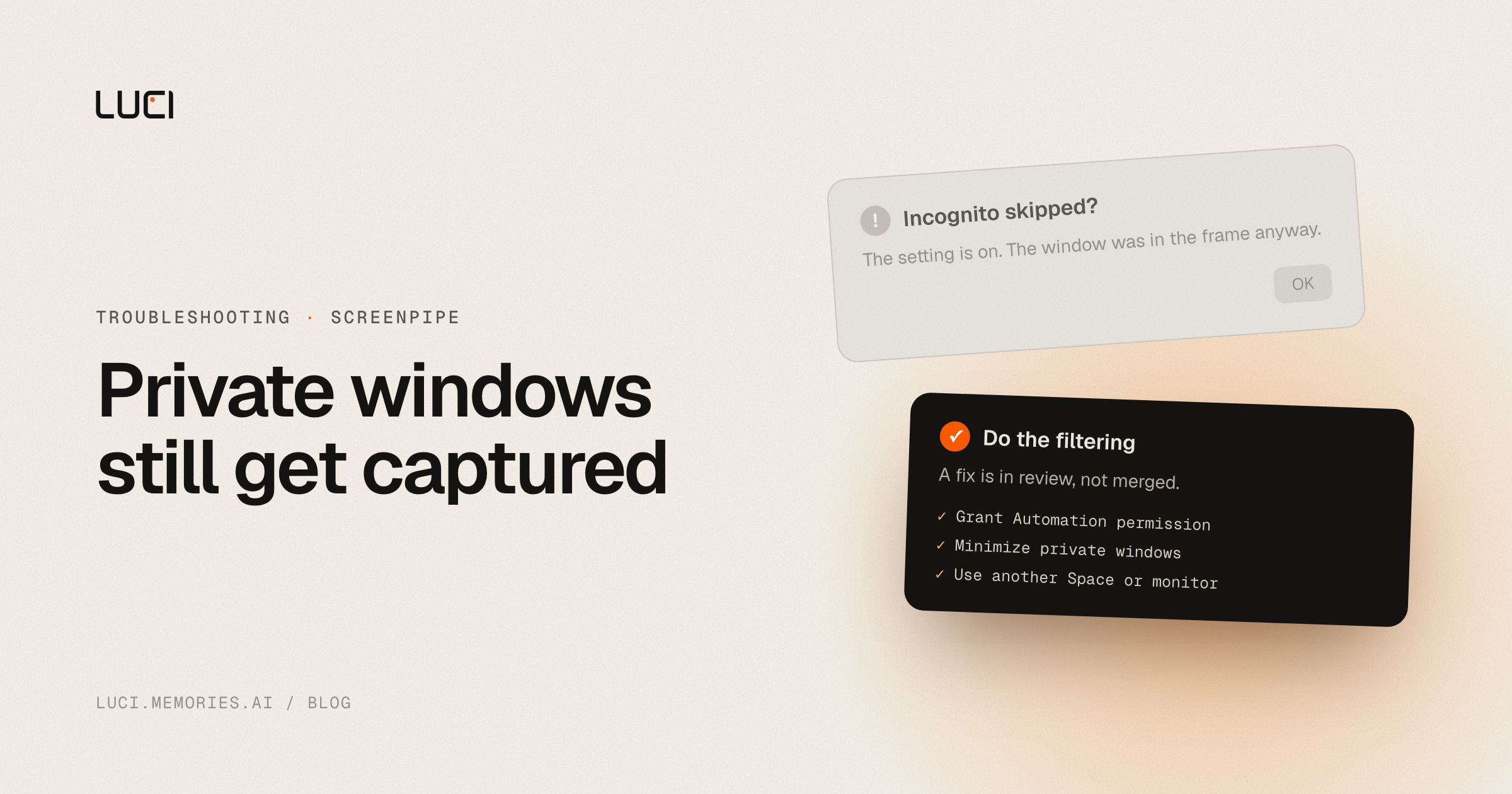
You turned on the incognito exclusion, restarted Chrome, and your private browsing is in the timeline anyway. This is real, it is reproducible, and the maintainers have already found the cause. It is not your permissions, and it is worth understanding precisely, because the workaround depends on the mechanism.
TL;DR
- The incognito skip checks the focused window. Capture is whole-monitor.
- A private window that is visible but not focused stays in the frame.
- On macOS the skip needs Automation permission for Chrome, and even with it granted the focus bug applies.
- A fix is up for review. It had not merged as of 2026-08-20.
What people are saying
screenpipe#6198 was filed on 2026-08-13 with screenshots. The reporter had the enhance option enabled, saved, and Chrome restarted, and incognito was still recorded. Their postscript is the more interesting half: with two ordinary Chrome windows open, Screenpipe was capturing the background one.
The first response, the same day, was the macOS-specific check: "on mac a chrome incognito window's title is just the page title, no 'incognito' in it, so screenpipe can only catch it through the 'enhance' option, which needs automation permission for chrome." The reporter confirmed Automation was already granted.
The next comment, on 2026-08-14, is the actual diagnosis: "The incognito skip only checks the focused window, but capture is full screen, so a visible-but-unfocused incognito window still gets recorded." A maintainer confirmed it the same day and added the detail that matters most: "the incognito skip is focus-scoped while capture is monitor-wide, so a visible-but-unfocused private window stays in the frame. That also explains @neseleznev's P.S. about the background Chrome window: same cause, not a separate oddity. Worth noting the existing gates also run after the screenshot, so the frame is rendered and then discarded."
A fix is open at screenpipe#6260, "exclude unfocused incognito windows from monitor capture," created 2026-08-14 and not merged as of 2026-08-20.
This is not unique to Screenpipe. OpenRecall has had an app and window-title allowlist request open since 2024-06-04 and a sensitive-content filter open since 2024-06-06. Microsoft Recall shipped a sensitive-information filter that hands-on testing found still captured card and Social Security numbers, first at Tom's Hardware and again at The Register in August 2025. Signal, Brave, and AdGuard all block Recall from capturing their windows. Filtering what a screen recorder already saw is hard everywhere.
Why this keeps biting you
The architecture explains the whole class of bug. Screenpipe grabs the monitor, then decides what to do with what it grabbed. The window-level rules, incognito skip included, are evaluated against foreground state, because that is the cheap and obvious thing to check. So the model in your head is "private windows are not captured" and the model in the code is "capture the screen, then drop the frame if the front window looks private."
Those two models diverge the moment a private window is on screen and something else has focus. Which is most of the time. You alt-tab to Slack to answer someone, the incognito window is still sitting there in the corner, and the gate says the front window is fine.
The macOS detection layer adds a second failure point. Chrome does not put "Incognito" in the window title on macOS, so title matching cannot see it. Screenpipe has to ask Chrome through Automation instead, which means an OS permission has to be granted for the feature to work at all. Grant it and you still hit the focus bug. Skip it and the skip never fires.
And the maintainer's aside is the part I would want a reader to keep: the gate runs after the screenshot. The frame gets rendered and then thrown away. It never reaches your database, which is the thing that matters, and it is also not the same as never being captured.
Fix it in Screenpipe first
- Grant Automation permission for your browser on macOS. System Settings, Privacy & Security, Automation, screenpipe, and tick Google Chrome. Without it the incognito skip has nothing to read, so the setting looks enabled and does nothing.
- Do not leave a private window visible while you work elsewhere. Until #6260 merges, minimise it or close it rather than parking it beside your editor. Focus is not what determines capture; visibility is.
- Put private browsing on its own macOS Space or virtual desktop. A window on a Space you are not viewing is not in the captured frame at all, which sidesteps the focus logic entirely.
- Move it to a monitor you excluded from capture. If you run more than one display, restricting capture to your work monitor draws the line at the monitor rather than at the window, which is a much coarser and more reliable rule.
- Use DRM-protected windows where the app supports it. Per the same thread, DRM already pauses capture when a DRM window is on screen. Note the trade the maintainer flagged: it happens silently, so you get no signal about why capture stopped.
- Pause capture for anything genuinely sensitive. Banking, health portals, a password vault. A pause is a decision you made; a filter is a guess software made on your behalf.
- Audit what actually landed. Search your own timeline for a string that only ever appeared in the private window. If it is there, you have a concrete report; if it is not, the gate did its job.
- Watch #6260. When it merges, update and retest step 2 before you relax it.
Every one of those is you doing the filtering. That is the honest shape of the situation and I would rather say it than sell you a setting.
Stay or switch
| Job | Stay with Screenpipe | Switch to LUCI |
|---|---|---|
| You want to read the capture code and verify the gate yourself | Yes, that is the point of open source | No, LUCI is not open source |
| You are comfortable managing exclusions manually per window | Yes | LUCI scopes at the app level instead |
| You want capture scoped to chosen apps rather than the whole monitor | No, capture is monitor-wide | Yes |
| You want card and password numbers removed before anything is written | No | Yes |
| You want one pause switch you trust for sensitive sessions | Partly | Yes |
What to do next
I want to give the maintainers credit here, because the thread is a good one. A user filed a clear report with screenshots, a contributor found the real cause within a day, a maintainer confirmed it, explained the frame ordering honestly, and opened a fix. That is the open-source process working. An open issue in a volunteer project is not a scandal.
The structural point stands anyway. Whole-monitor capture with per-window exclusions will keep producing this class of bug, because the unit of capture and the unit of the rule are different sizes. LUCI scopes the other way around: you choose continuous capture, capture limited to specific apps, or manual sessions, and sensitive apps and incognito windows are excluded in one click. Cards, keys, and passwords are blacked out before anything is saved, not after the frame exists.
The honest limit is the one no capture tool escapes. Software cannot read your intent. If you have work that must never be recorded, pause capture, and do not delegate that judgement to a filter. See LUCI vs Screenpipe, the full Screenpipe alternatives list, or our security page for what pause and delete actually do.


