Fix: Screenpipe Not Recording Screen on Windows
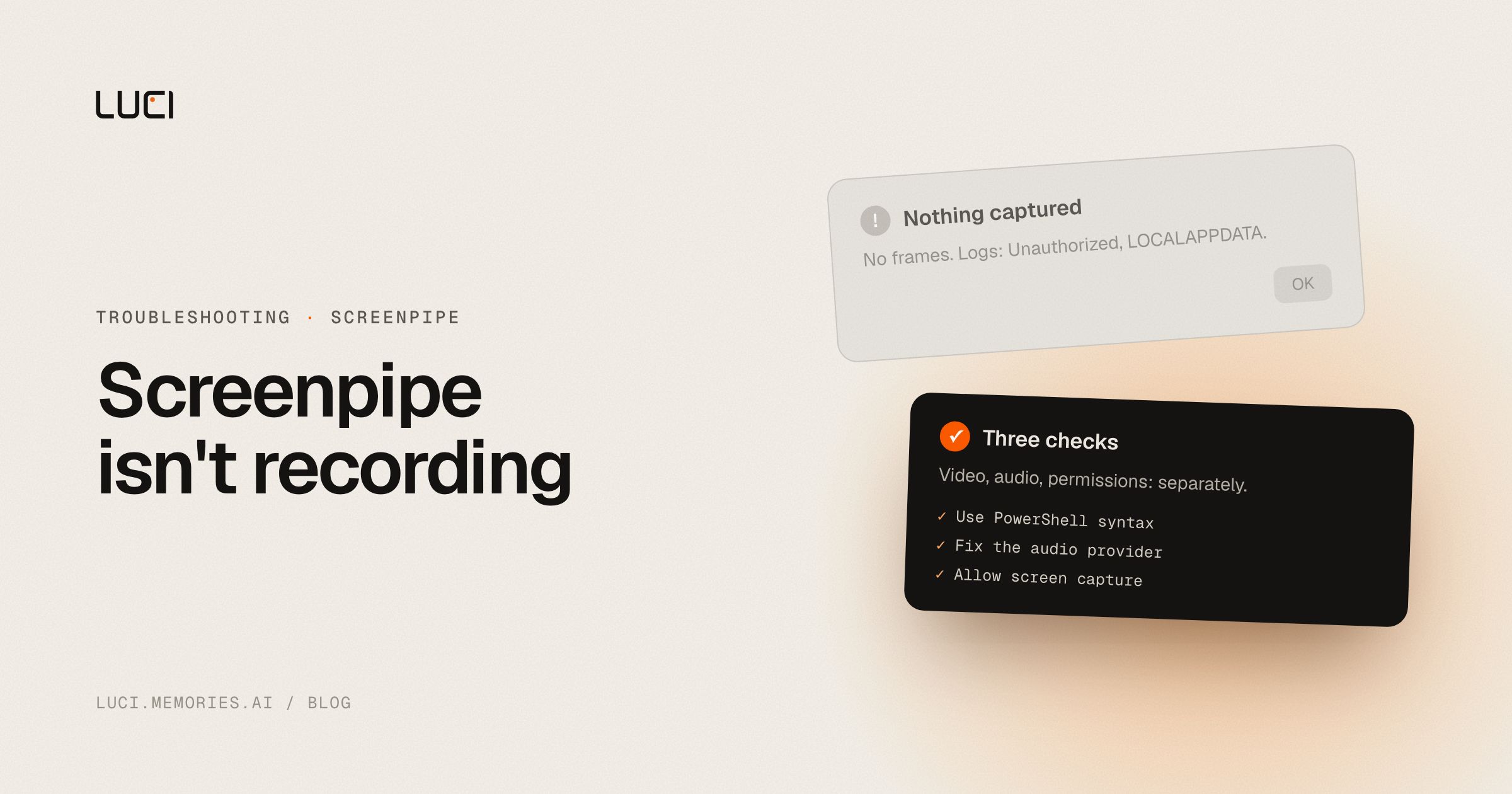
You launch Screenpipe on Windows, check the timeline later, and there is no video — just logs full of deepgram transcription failed, Unauthorized, and a PowerShell complaint that %LOCALAPPDATA% couldn't be loaded. Three different-looking errors, one troubleshooting pass.
TL;DR
- The
%LOCALAPPDATA%error is CMD syntax typed into PowerShell — not a Screenpipe bug. - A rejected Deepgram API key breaks transcription but is separate from missing video frames.
- Fix the launch command, the audio provider, and Windows screen-capture permissions as three distinct checks.
What people are saying
The combined report — no video, a Deepgram auth failure, and a shell-syntax error all in one log — is filed at screenpipe#1044. It's a useful reminder that "not recording" often bundles more than one broken thing at once, and the fix for one piece (video) is unrelated to the fix for another (transcription).
Why this keeps biting you
Screenpipe on Windows is a CLI-first tool, and PowerShell and CMD do not share syntax for environment variables — %LOCALAPPDATA% only expands in CMD, not PowerShell. That single mismatch produces an error that looks like the whole app is broken when really only the launch command was wrong. Layer on a Deepgram key issue (transcription, an audio-only concern) and an older build (v2.1.1 in the original report, since superseded), and you get a log full of noise that obscures which piece — video capture, audio transcription, or the shell — actually failed.
Fix it in Screenpipe first
- Use the correct PowerShell syntax. In PowerShell, launch with:
Do not paste CMD-style& "$env:LOCALAPPDATA\screenpipe\screenpipe.exe" --ocr-engine windows-native%LOCALAPPDATA%into a PowerShell prompt. - Fix the audio provider separately. If logs show
deepgram transcription failed/Unauthorized, either supply a valid Deepgram API key or switch the transcription engine to Whisper. - Verify Windows screen-capture permission. Settings → Privacy & security → Screen capture (or Camera, depending on Windows build) must allow the Screenpipe executable.
- Confirm the correct monitor ID if you run more than one display — Screenpipe needs to be pointed at the right one explicitly on multi-monitor setups.
- Update off v2.1.1. Run the current release; older builds carry bugs since fixed.
Work through video capture, audio provider, and permissions as three separate checks rather than one big error dump, and most "nothing is recording" reports resolve.
Stay or switch
| Job | Stay with Screenpipe | Switch to LUCI |
|---|---|---|
| You want a scriptable Windows CLI and don't mind debugging shell syntax | Yes | No |
| You need to swap in your own transcription provider (Deepgram, Whisper) | Yes | LUCI ships its own on-device understanding, no key to manage |
| You want screen capture that just starts working after install | No | Yes |
| You want one search box across screen + meetings, no flag tuning | No | Yes |
What to do next
Every day Screenpipe isn't actually capturing because of a shell-syntax mismatch is a day of screen history you'll never get back — the recording that didn't happen can't be replayed later. LUCI starts remembering the moment you install it, no PowerShell-vs-CMD debugging required. See LUCI vs Screenpipe or the full list of Screenpipe alternatives.


