Fix: Otter Bot Joined the Call
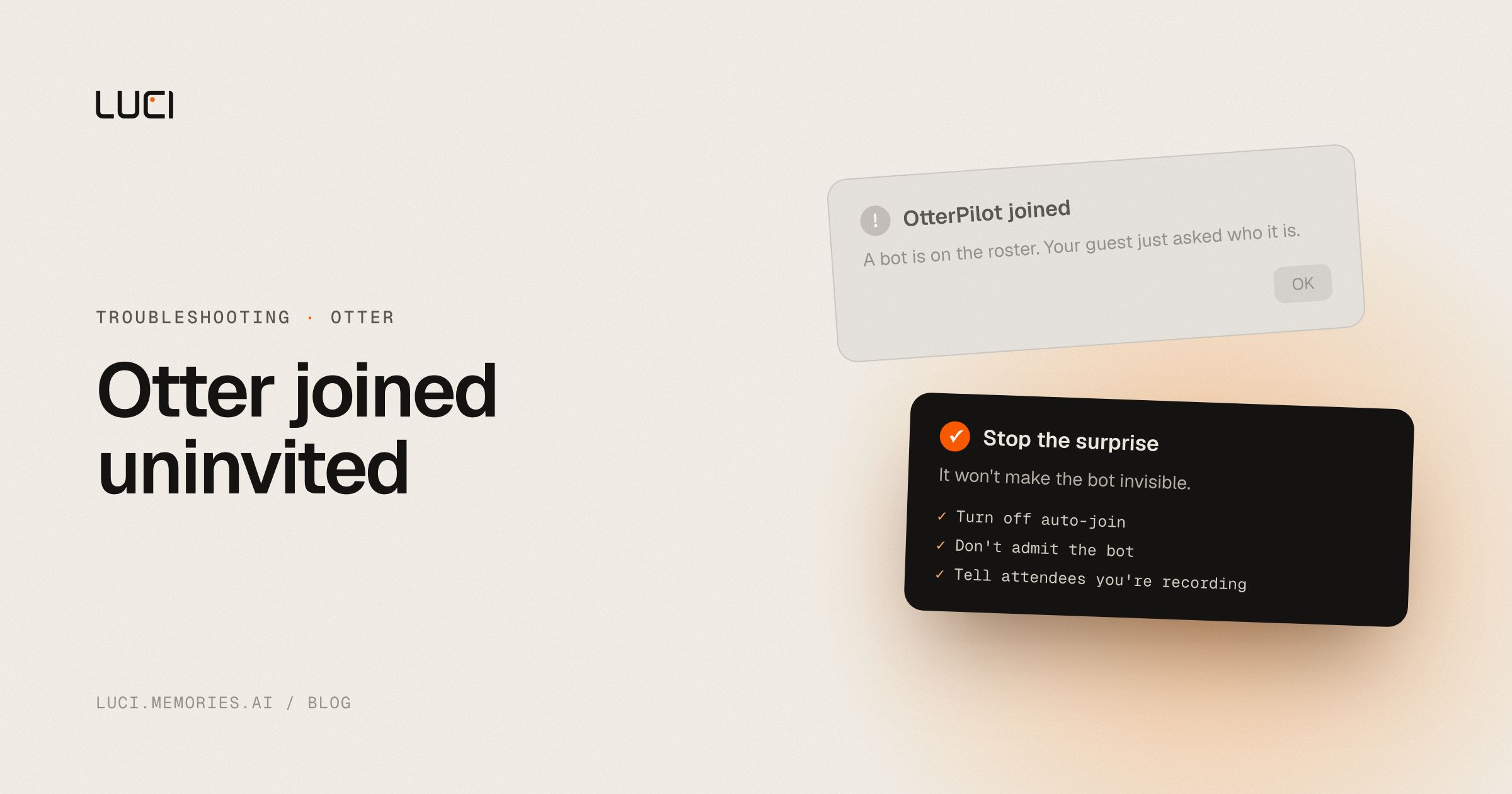
Otter joined the Zoom as a participant again. Clients asked who "OtterPilot" is. Someone asked you to kick it. The recap never got written.
This is how Otter works. It is not a bug you failed to toggle off.
TL;DR
- Otter's default capture is a visible bot in Zoom, Meet, or Teams.
- You can sometimes stop auto-join in Otter's calendar / notetaker settings. You cannot make Otter transcribe a live call with no participant and no cloud.
- If the problem is the roster, switch to a bot-free capture tool. If the problem is "I still want Otter's web recap," keep Otter and warn the room first.
Official Otter path
Do these before you switch tools:
- Open Otter's notetaker / OtterPilot settings and turn off automatic join for external meetings.
- For one-off calls, do not admit the bot. Take notes yourself or use Otter after the fact on a file you upload — knowing that file still goes to Otter's cloud.
- Tell attendees you are recording. A visible bot is explicit consent theater; removing it does not remove the legal duty.
That stops surprise guests. It does not give you a silent, on-device transcript.
Why the bot keeps coming back
Cloud notetakers need a seat in the conference so they can subscribe to the meeting audio mix. That is why Fireflies' Fred, Fathom, and tl;dv do the same thing. The bot is the product.
Some hosts now block third-party notetaker apps. Some guests refuse to talk. Some rooms treat an extra participant as a leak. Those are not Otter-specific complaints. They are bot-architecture complaints.
Stay or switch
Stay if your team already lives in Otter's workspace, you want shared folders, and a visible recorder is acceptable or even required.
Switch if external calls keep stalling on the bot, or if you need the transcript to exist when the conference platform blocks notetakers.
A bot-free tool records what your machine hears — speakers and mic — the way a voice memo does. Nothing new appears in the participant list. LUCI does that locally. Granola does it and still sends audio to the cloud.
Related
- LUCI vs Otter
- Best Otter alternatives
- No-bot AI notetaker
- Same class of problem: Fireflies bot in Zoom


