Fix: OpenRecall won't install on Windows
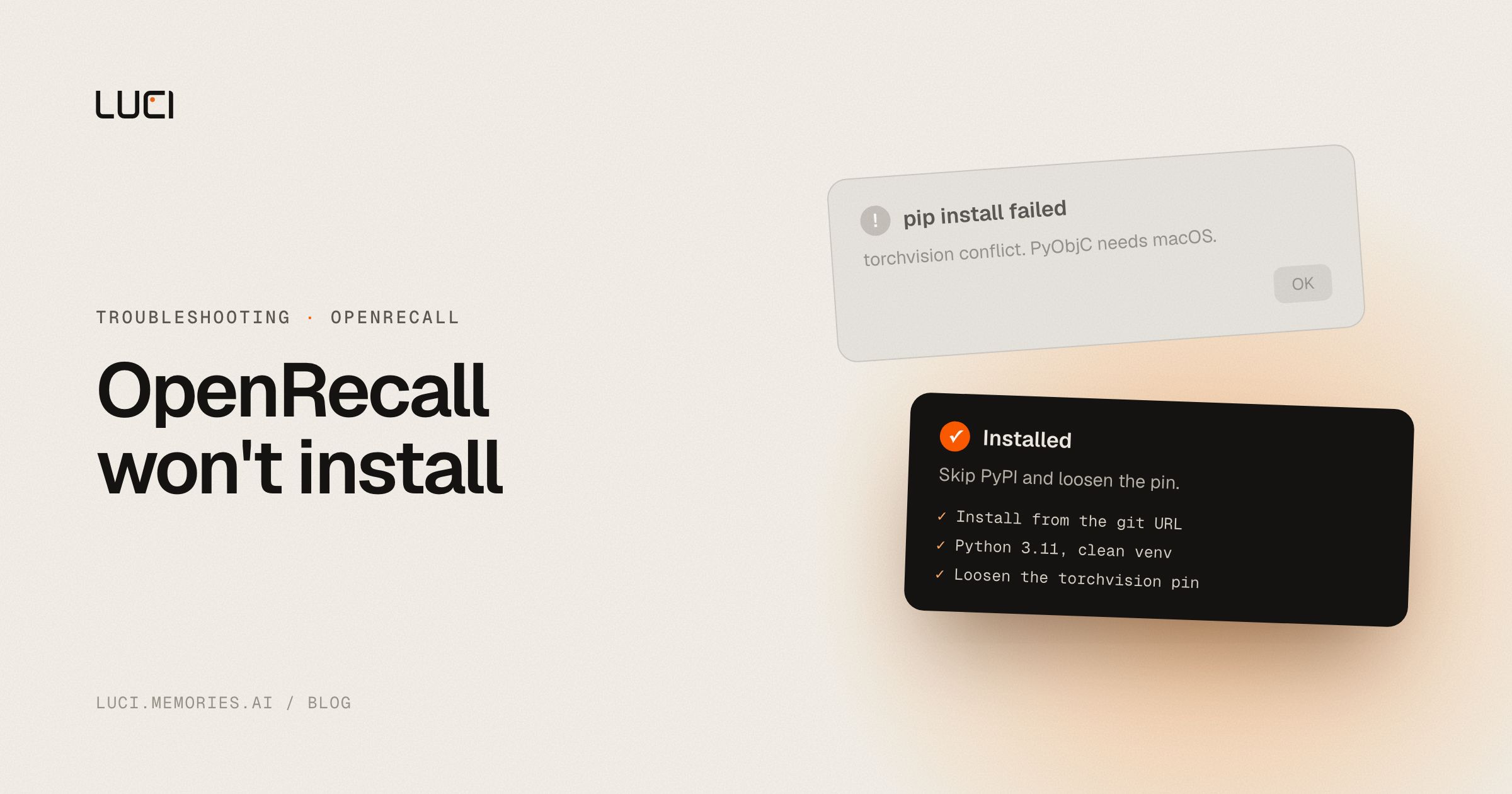
You wanted a local alternative to Windows Recall, you ran one pip command, and now you are reading a dependency resolver explain that three packages want three different versions of PyTorch. You have not installed anything. This is the single most reported problem on the project, it has been reported continuously since June 2024, and there are workarounds that work. They are just not in the README.
TL;DR
- The
torchandtorchvisionversion conflict is the current blocker. Two workarounds fix it. - The
PyObjC requires macOS to builderror means you installed from PyPI instead of the git URL. - If it installs but never takes a screenshot, that is a separate open bug with a known patch set.
- The one-click installer has been the top roadmap item since 2024 and is still open.
What people are saying
The dependency conflict is filed at least four times, which tells you how many people hit it. openrecall#95, opened 2025-04-06, has the exact resolver output: openrecall 0.8 depends on torch==2.6.0, sentence-transformers 3.0.0 depends on torch>=1.11.0, torchvision 0.17.0 depends on torch==2.2.0. Two people replied "same error" within a month. The maintainer wrote on 2025-05-14, "I hope to have a fix implemented and released for this tomorrow." A user confirmed on 2025-06-01 that it still failed after updating, and the most recent comment, on 2025-07-31, reads "Same problem here. This is dependency hell like crazy."
openrecall#104, opened 2025-06-27 with 4 reactions and 10 comments, is the same conflict with better diagnostics. A commenter on 2025-07-02 reported it failing identically on Python 3.9 through 3.12, and noted that pip implies 3.13 and above and below 3.9 are unsupported without that being documented anywhere. openrecall#113, opened 2025-10-14, is the same thing again with torch==2.8.0, and the last comment, 2025-12-09, is "Still an issue during initial install."
The Windows-versus-macOS packaging error is older. openrecall#19, opened 2024-06-07 with 13 comments, is the error: PyObjC requires macOS to build failure on a Windows machine, and the maintainer's own fix in that thread is to install from the git URL rather than PyPI. That thread is also where openrecall#22 came from. On 2024-06-08 the maintainer wrote: "We see a lot of Windows users, like yourself, experience installation issues, therefore I've created issue #22 and added it to the roadmap. The one-click installer should include all dependencies (such as an embedded Python) in a single one-click installer. We believe this feature is top priority, right after the encryption of storage." #22 now has 12 reactions and is still open, two years and two months later.
Two more things worth knowing before you start. openrecall#107, opened 2025-07-03 with 4 reactions, is a crash where the capture thread dies with NameError: name 'current_screenshot' is not defined, so the app runs for hours and stores nothing. And openrecall#121 is literally titled "Is the project alive ?", opened 2025-12-12. The maintainer answered on 2026-02-25, "Project is still alive. We are working on a big update!" The repository's last push was 2025-09-24, so set your expectations accordingly.
Why this keeps biting you
OpenRecall is a Python application that you install with pip, and the thing it needs, on-device OCR and embeddings, is the part of the Python ecosystem with the tightest and most brittle version coupling. torchvision pins an exact torch version. sentence-transformers wants a range. The project pins its own torch. When those three disagree, pip cannot resolve it and correctly refuses, so you get a wall of text instead of an install.
That coupling is not the project's fault and it is not fixable by being careful. Every time PyTorch ships, the pinned trio drifts apart again, which is exactly why the same issue keeps getting reopened with a different version number in it: 2.6.0 in April, 2.8.0 in October. A pinned dependency graph is a maintenance treadmill and this is a volunteer project.
The PyObjC error is a different shape. PyObjC is macOS-only, and the PyPI package declared it in a way that made Windows machines try to build it. Installing from the git URL gets you the corrected metadata. That is why the fix looks arbitrary: you are not changing your machine, you are changing which copy of the package metadata pip reads.
Both of these are the reason #22 exists. A bundled installer with an embedded Python means the dependency graph is solved once by the maintainer instead of independently on every user's machine. The maintainer identified that in 2024 and called it top priority. Shipping it is a lot of work for one person.
Fix it in OpenRecall first
- Install from the git URL, never from PyPI. This is the maintainer's own fix for the PyObjC error:
You will need Git installed for this to work.python -m pip install --upgrade --no-cache-dir git+https://github.com/openrecall/openrecall.git - Use Python 3.11 in a clean virtual environment. #104 reports the same failure across 3.9 to 3.12, and pip's own message implies 3.13 and up are out of range. A fresh venv also makes the resolver output readable instead of tangled with whatever else is in your global environment.
- Loosen the torchvision pin locally. This is the workaround posted on #104 on 2025-07-02 and confirmed working by another user the next day. Clone the repo, then change the pin from
torchvision==0.17.0totorchvision>=0.17.0, and install from your local path instead of the git URL. - Or pin to the last commit that resolved. Posted on #95 on 2025-05-11:
You lose everything merged since, which on this repo is not a lot.python3 -m pip install --no-cache-dir git+https://github.com/openrecall/openrecall.git@225a2750e3122718a9bad9c4d4ba4b0e99985c00 - If it installs and runs but stores nothing, you are on #107. The reporter's fix was applying pull requests 103, 101, 97, 28, 71 and 72 to the installed files in
site-packages, and another user confirmed it worked. Check the thread for the current set before you start. - Sanity-check that it is actually capturing. Let it run twenty minutes, then search for a word you know was on screen. The failure mode in #107 is silent, and "it is installed" and "it is recording" are different claims.
- Watch #22 rather than #95. The installer is the fix for all of this. The dependency issues are symptoms of the same missing thing.
I would add a note of fairness here. The maintainer answers issues, diagnosed the PyObjC problem within hours in 2024, and filed the installer request against their own project. Pinned Python dependency graphs are a genuinely miserable thing to maintain alone.
Stay or switch
| Job | Stay with OpenRecall | Switch to LUCI |
|---|---|---|
| You need AGPL source you can read and audit line by line | Yes, that is the reason to pick it | No, LUCI is not open source |
| You want to swap the OCR or embedding model yourself | Yes | No, LUCI does not expose that layer |
| You are comfortable maintaining a Python environment for a background app | Yes | Unnecessary, LUCI ships as a signed installer |
| You want it recording within five minutes of deciding to try it | No | Yes |
| You want meetings captured alongside the screen | No, screenshots only | Yes |
| You need Linux, especially Wayland | Yes, from source | No, Mac and Windows only |
What to do next
The interesting thing about #22 is not that it is unfinished. It is that the maintainer diagnosed the real problem in 2024, wrote down the right solution, and called it top priority, and then two years of dependency issues arrived anyway. That is what a pinned Python graph does to a solo project. It is not a story about anyone being careless.
If you want your computer's history without owning the Python environment that records it, LUCI installs as a normal signed desktop app on Mac and Windows, with no pip and no PyTorch pins. On-device understanding, encrypted local storage, and it remembers the whole day: meetings and calls alongside what was on screen, not screenshots alone.
The honest trade: OpenRecall is AGPL and you can read every line of it, and LUCI you cannot. If auditability is the requirement rather than convenience, stay, and consider one of the community forks that has the dependency patches already applied. Otherwise, see Microsoft Recall alternatives for 2026 or LUCI vs Microsoft Recall for the wider comparison.


