Fix: Microsoft Recall Won't Open or Launch
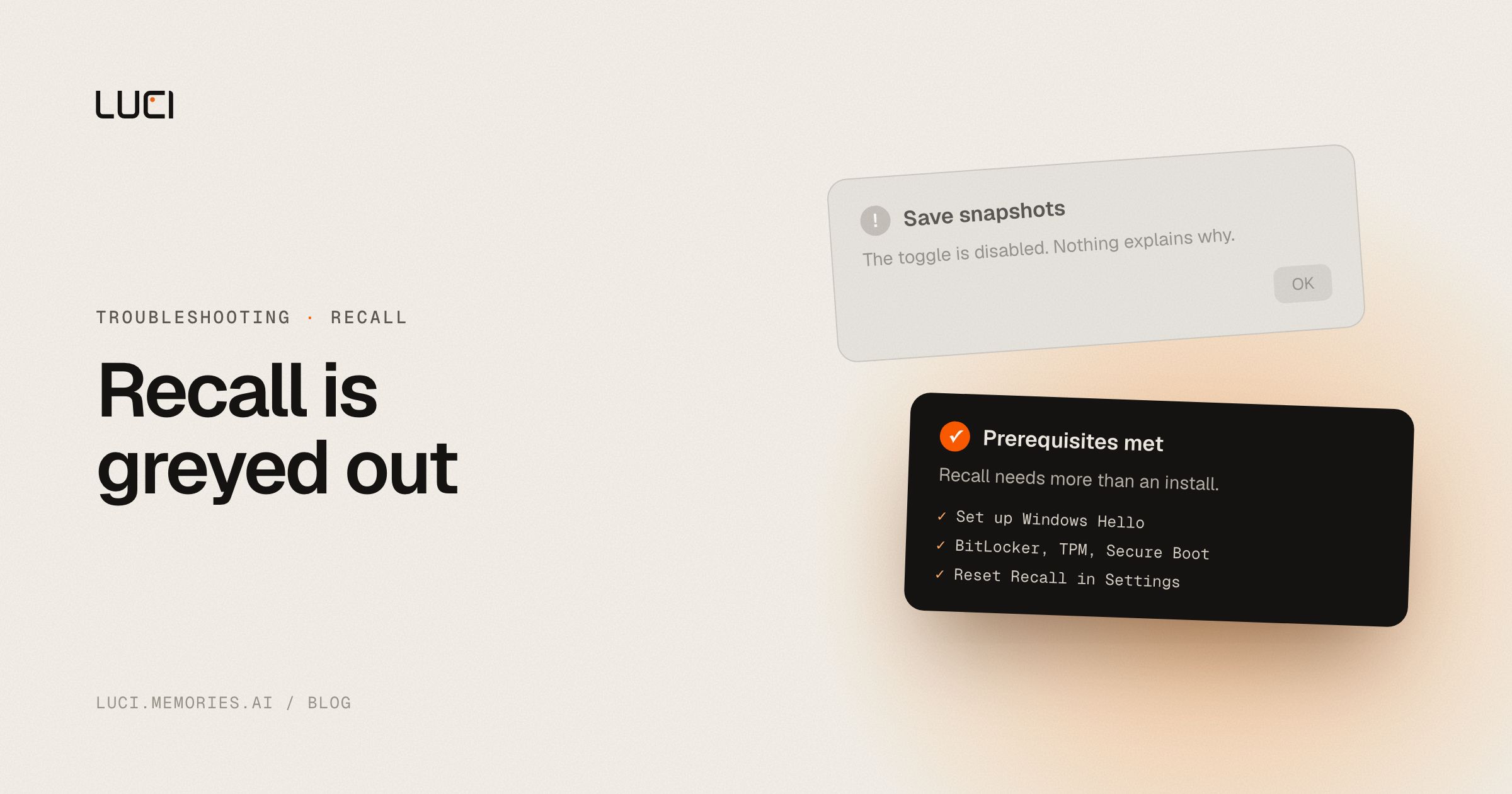
Recall was working, then a Windows update landed and it's gone — or the "Save snapshots" toggle is greyed out and won't respond, or the app just spins forever trying to load your timeline. This is common enough that Microsoft ships an official reset path for it.
TL;DR
- Recall depends on Windows Hello biometrics, BitLocker, TPM, and Secure Boot all being correctly configured — not just installed.
- On managed (work/school) devices, IT policy can disable it entirely by design.
- Microsoft's own reset flow fixes most non-policy cases.
What people are saying
Recall failing to load is reported directly on Microsoft's own Q&A platform — see this Learn thread on the Save Snapshots toggle — and repeats on hardware-specific forums, including a Surface Laptop 8 / X2 thread where a user reports being unable to access Recall at all on a supposedly supported device.
Why this keeps biting you
Recall isn't a normal app you install and run — it's gated behind a specific hardware and security stack: a Secured-core Copilot+ PC, a 40 TOPS NPU, 16GB RAM, 256GB storage with real free space, Device Encryption/BitLocker, and Windows Hello Enhanced Sign-in with biometrics. Miss any one of those, and Recall can silently fail to launch rather than telling you which requirement is missing. On top of that, Microsoft disables Recall by default on commercially managed devices — so on a work laptop, "won't open" may not be a bug at all, it may be your organization's policy working as intended.
Fix it in Windows first
- Confirm biometric Windows Hello is actually set up — not just a PIN. Settings → Accounts → Sign-in options → Facial recognition or Fingerprint.
- Verify BitLocker, TPM, and Secure Boot are all enabled. Recall's local encryption depends on all three being active, not optional.
- Check Settings → Privacy & security → Recall & snapshots. If "Save snapshots" is greyed out, that's usually a missing prerequisite above, not a random glitch.
- Reset Recall directly: Settings → Privacy & security → Recall & snapshots → Advanced settings → Reset Recall. This clears a corrupted local index without touching the rest of Windows.
- Update Windows fully — Recall has shipped through staged Insider channels (Dev, Beta, Release Preview), and an older build can simply be missing fixes.
- On a work or school device, ask IT. If Recall is absent rather than broken, an administrator needs to explicitly allow it via Group Policy or MDM before it will appear at all.
Stay or switch
| Job | Stay with Microsoft Recall | Switch to LUCI |
|---|---|---|
| You're on a supported Copilot+ PC and want an OS-native, first-party tool | Yes | LUCI is a separate app, works on more hardware |
| You're on a managed work device where IT controls the feature | Stay and work with IT | Same policy questions may apply to any third-party recorder too |
| You want screen memory that also captures meetings and cross-session context | No — Recall is screenshots-only, no meeting transcription | Yes |
| You're uneasy about the feature's privacy controversy history | Consider carefully | LUCI's on-device understanding follows the same local-first principle without Recall's launch history |
What to do next
Every day Recall won't launch is a day of screen history that's simply never indexed — there's no "catch up later" for a snapshot that was never taken. If the hardware-and-policy checklist above doesn't get you unstuck, or you want screen memory that also covers your meetings, LUCI is worth a look. See the full LUCI vs Microsoft Recall comparison.


