Fix: Meetily transcript has no speaker labels
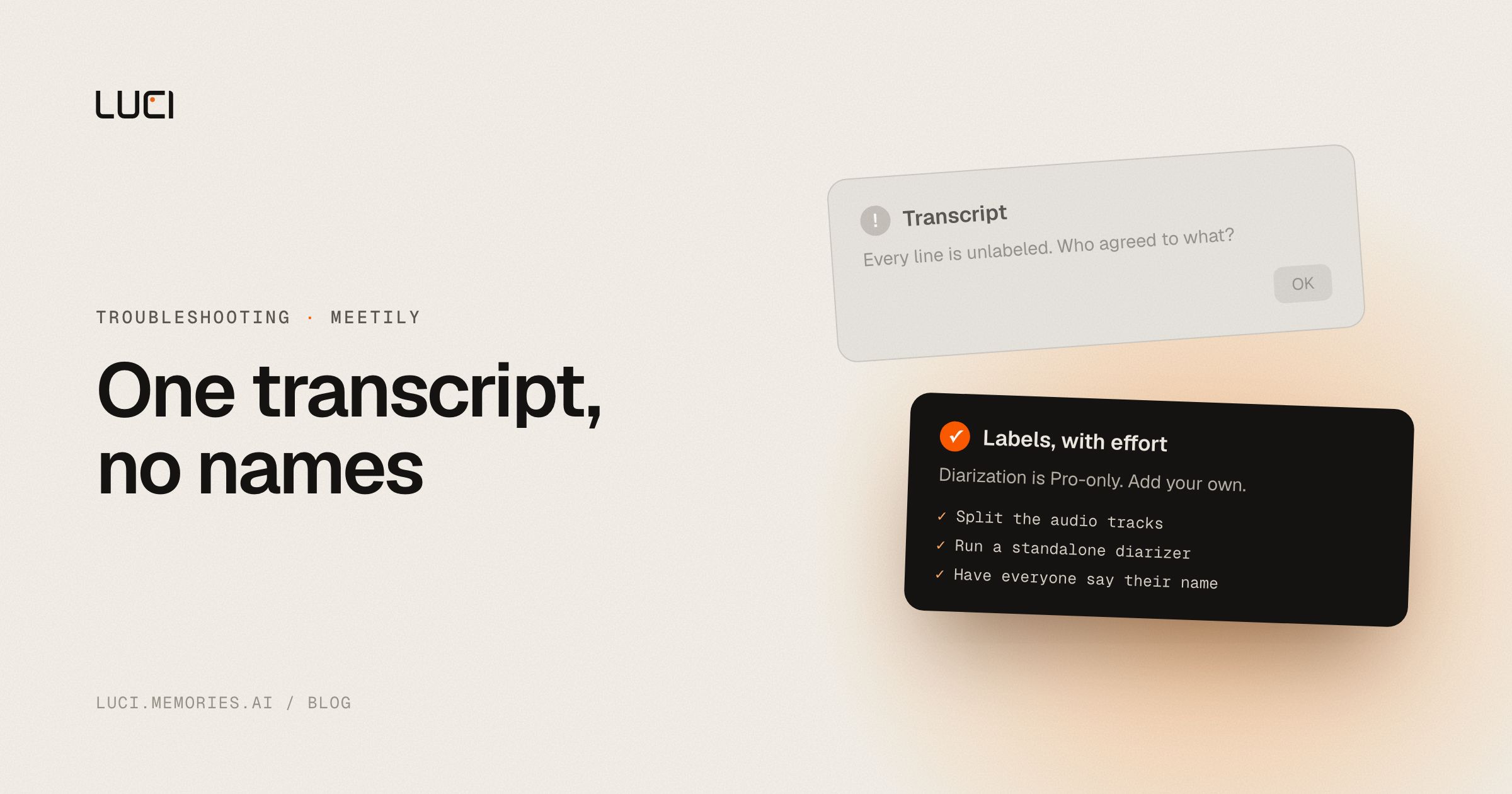
The transcript is accurate and useless. Every word is there, in one block, with no indication of who said any of it. A week later you read "we agreed to push the date" and have no idea who agreed. For a one-on-one it barely matters. For a five-person call where the point was who committed to what, it is the difference between notes and noise.
TL;DR
- Speaker diarization in Meetily is a Pro feature. The Community Edition ships without it.
- The two open requests for it have 21 reactions between them and date to October 2025.
- The maintainers have been explicit that the open-source attempt was not accurate enough to ship.
- You can get usable labels today with an audio router or a standalone diarizer, in about an hour.
What people are saying
Two issues carry this. meetily#226, opened 2025-10-28, has 14 reactions and not a single comment, which is its own kind of signal: fourteen people agreed and nobody had anything to add. The request is minimal, "Identify the speaker in the transcriptions (like Speaker 1, Speaker 2..) and have it named manually after the transcription." meetily#230, opened 2025-10-30, has 7 reactions and 12 comments running through 2026-07-20. meetily#56 asked the same thing back in March 2025 and is also still open.
The frustration in #230 is about tiering, not capability. On 2026-03-05: "Why is this feature only available in Pro? That's unfortunate!" On 2026-04-03: "I agree with this, this should be a very basic one." On 2026-07-04 a commenter asked "Is diarization coming to the free version?" and got no reply on the thread.
The maintainer explanation, on 2026-07-20, is the most useful comment in the thread and it is a technical one, not a commercial one. A contributor suggested avencera/speakrs, a Rust reimplementation of the pyannote pipeline. The maintainer response: "Looks promising. I was testing the current PR and accuracy was something I was not happy with. Also the UI integration. We are using similar setting to the work you shared in Pro version right now and it is accurate. Pyannote-rs was not very accurate in my experience when I was trying to build Speaker Diarization into the app."
That is a maintainer declining to ship a feature that half-works. I respect it, and it also means the free tier stays without labels until the accurate path gets ported. On 2026-06-24, in a different thread, a maintainer said speaker identification was the current priority and expected within the week. The newest release on the repo is still v0.4.0 from 2026-06-05, and #226 and #230 are both open as of 2026-08-20.
There is a good workaround buried in #230. A commenter on 2026-03-25 proposed splitting by audio track rather than by voice: microphone is speaker one, system output is speaker two. For a two-party call that is exact rather than probabilistic. Meetily cannot do it yet, meetily#241 requests multitrack audio with 9 reactions and is open, but you can do it outside the app.
Why this keeps biting you
Diarization is the step that answers who spoke when, and it is genuinely hard from the signal a bot-free tool has. A bot in the call gets per-participant audio streams from the conferencing platform, so attribution is bookkeeping. A tool capturing on your own machine gets your microphone plus everyone else already mixed down into one system output. Nothing pre-separated the voices, so the model has to do it from the mix.
Four things drive the error rate up, and all four are normal in real meetings: two people talking at once, voices that sound alike, interjections too short to characterise, and compressed conference audio that flattens exactly the differences the model relies on. Speaker counts drift, so a tool that guesses participant count will sometimes invent a sixth person or collapse two into one. This is why several bot-free products quietly ship without diarization rather than ship a version that mislabels a third of the call.
Worth separating two things people conflate. Diarization gives you anonymous labels, Speaker 1 and Speaker 2. Speaker identification puts real names on them. Most tools advertising "speaker labels" do the first. Check which one you are getting before you rely on names in an archive.
Fix it in Meetily first
- Split the tracks at the OS level for two-party calls. On macOS, route system output through BlackHole or Loopback so you can record it separately from your microphone. On Windows, VoiceMeeter does the same. Transcribe each file, then merge with your name on one and theirs on the other. This is the #230 suggestion, done outside the app, and for a sales call or a one-on-one it is exact.
- Run a standalone diarizer over the audio and merge. avencera/speakrs is the one the thread landed on, or pyannote directly if you have Python set up. You get segment boundaries with speaker labels, and you align them against the Whisper timestamps Meetily already produced. An hour of setup, reusable forever.
- Post-process with a local model using names spoken in the call. A commenter in #230 on 2026-02-08 described the trick precisely: when someone says "Thanks Will, that's great," the previous turn was Will. Feed the unlabelled transcript to your Ollama model and ask it to attribute turns using names mentioned in the conversation. It is imperfect and it is free, and on a call with introductions it gets most of the way.
- Make everyone state their name once, at the top. Unglamorous, and it makes step 3 work far better, because the model has an anchor for every voice instead of guessing from mid-call greetings.
- Keep meetings to one topic per recording when you can. A shorter recording with fewer speakers has a lower error rate on every diarizer, which does more for accuracy than switching tools.
- Test Pro on your own audio before you buy it for this. The maintainer says the Pro path is the accurate one. Your acoustics are the variable, so run it on a real four-person call rather than a demo.
I want to be straight about step 3. A language model inferring speakers from context is a guess, and it will occasionally assign a commitment to the wrong person. Do not use it for anything you would put in a contract.
Stay or switch
| Job | Stay with Meetily | Switch to LUCI |
|---|---|---|
| You want MIT-licensed source and control of the pipeline | Yes | No |
| You want to plug in your own diarizer and merge it yourself | Yes, that is the fork's advantage | No, LUCI does not expose that layer |
| You want on-device speaker separation without a paid tier | No, it is Pro-gated today | Yes, LUCI diarizes on-device on Mac and Windows |
| You need named speakers, not Speaker 1 and Speaker 2 | Not in Community | Partly, see below |
| You want who-said-what searchable across months of calls, not one file per meeting | No | Yes |
What to do next
Two honest notes before the pitch. Diarization is not the same as identification, and LUCI's on-device separation gives you separated voices in a searchable memory rather than a magic name-matcher. And diarization error rate is a physics problem, not a vendor problem: overlapping speech and similar voices degrade every tool, ours included, and a better microphone will improve your transcripts more than any switch will.
With that said, the reason this issue has 21 reactions is not that people want a feature. It is that an unattributed transcript stops being useful about a week after the meeting, which is exactly when you need it. LUCI diarizes locally on Mac and Windows with no bot in the call and no audio going to a transcription provider. The labelled transcript does not sit in a per-call file. It joins your computer's history, so who said what lands next to what was on your screen when they said it, and "what did the CFO push back on across our last three calls?" resolves to one cited answer.
More on the mechanics in what is speaker diarization, or LUCI vs Meetily for the side-by-side.


