Fix: Meetily Local Setup Taking All Afternoon

Meetily is one of the honest answers in this category: MIT-licensed, on-device Whisper or Parakeet, no bot in the call, a free Community Edition with no caps. That is why people recommend it.
It is also why a Saturday disappears. Local speech models, mic permissions, and (on Linux or self-host) a build from source are the product, not a failed install.
TL;DR
- Meetily can be fully local. That is the point.
- Official installers exist for Mac and Windows. Linux and self-host still mean building.
- It transcribes meetings. It does not record the screen or keep memory across weeks of work.
- Stay if you want to fork the pipeline. Switch if you wanted a local notetaker you could give a teammate this afternoon.
Official Meetily path
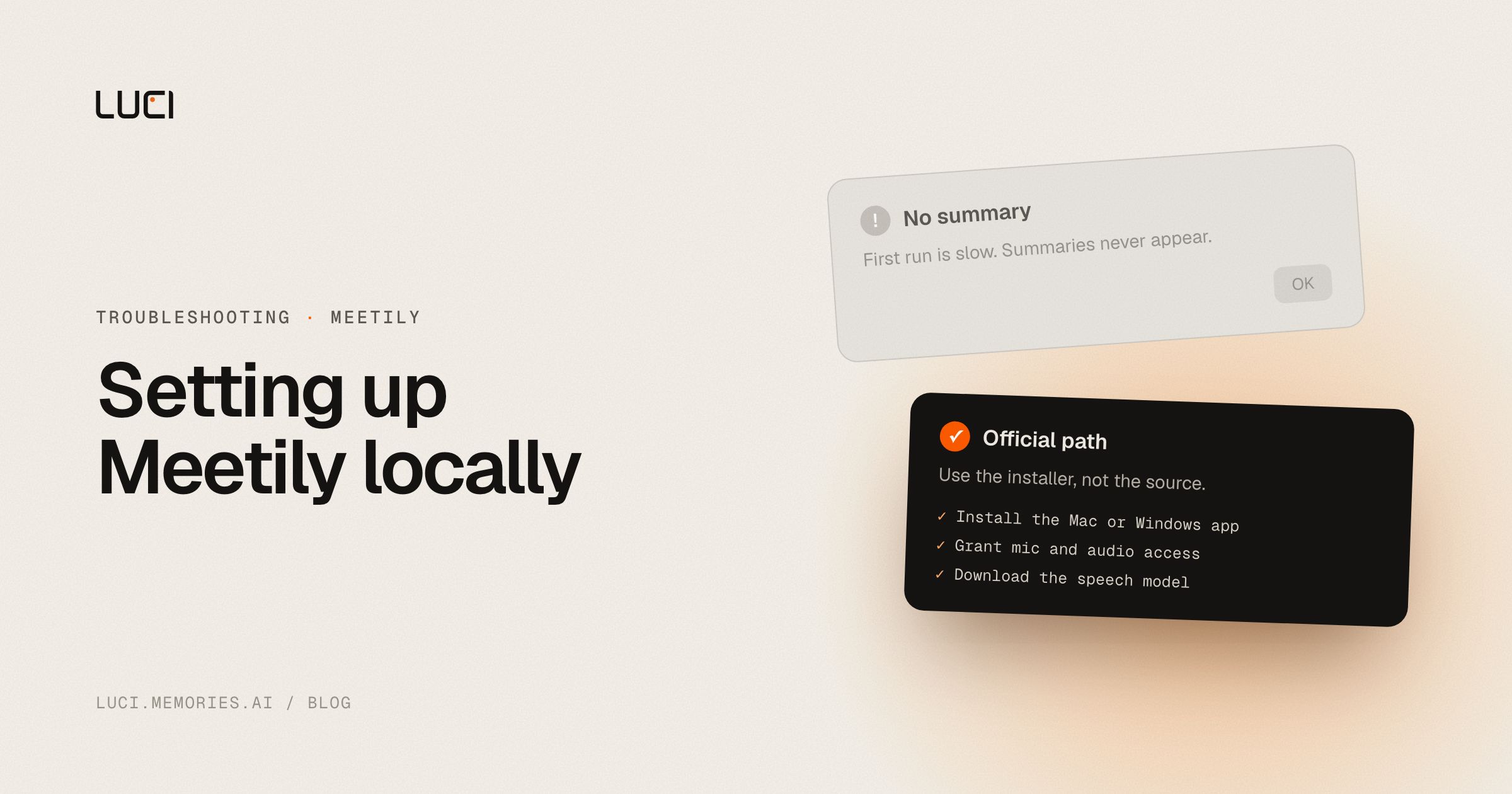
- Use the Mac or Windows installer from the Meetily project, and do not start from source unless you need to.
- Grant mic and (where asked) system-audio permissions. Bot-free capture needs the same OS toggles every local app needs.
- Download the speech model the app asks for before the first real call. The first run is slow because the model is large, not because it is broken.
- If summaries never appear, check whether you pointed it at a local Ollama model or a BYOK key. That layer is separate from transcription.
If those four steps fail, file it on the Meetily repo. Do not replace the tool because the first model download took twenty minutes.
What setup will not add
Meetily, by its own scope, is an audio meeting notetaker. After it works you still do not have:
- Screen memory of the deck or the PR
- One search box across last month's calls
- A packaged memory other agents can read
Those are different products. Meetily is not broken for lacking them.
Stay or switch
Stay if open source is the requirement, you like Whisper/Parakeet/Ollama as named parts, or you want to self-host.
Switch if the job was "local notes, no bot, install and go," or if half the context you need never made it into the meeting audio.
LUCI is the turnkey version of the same privacy bet: bot-free, on-device, Mac and Windows, and it keeps your computer's whole history rather than meeting audio alone. It is not MIT-licensed. LUCI vs Meetily says that plainly. Best Meetily alternatives if you are comparing forks.