Fix: Meetily didn't auto-record my meeting
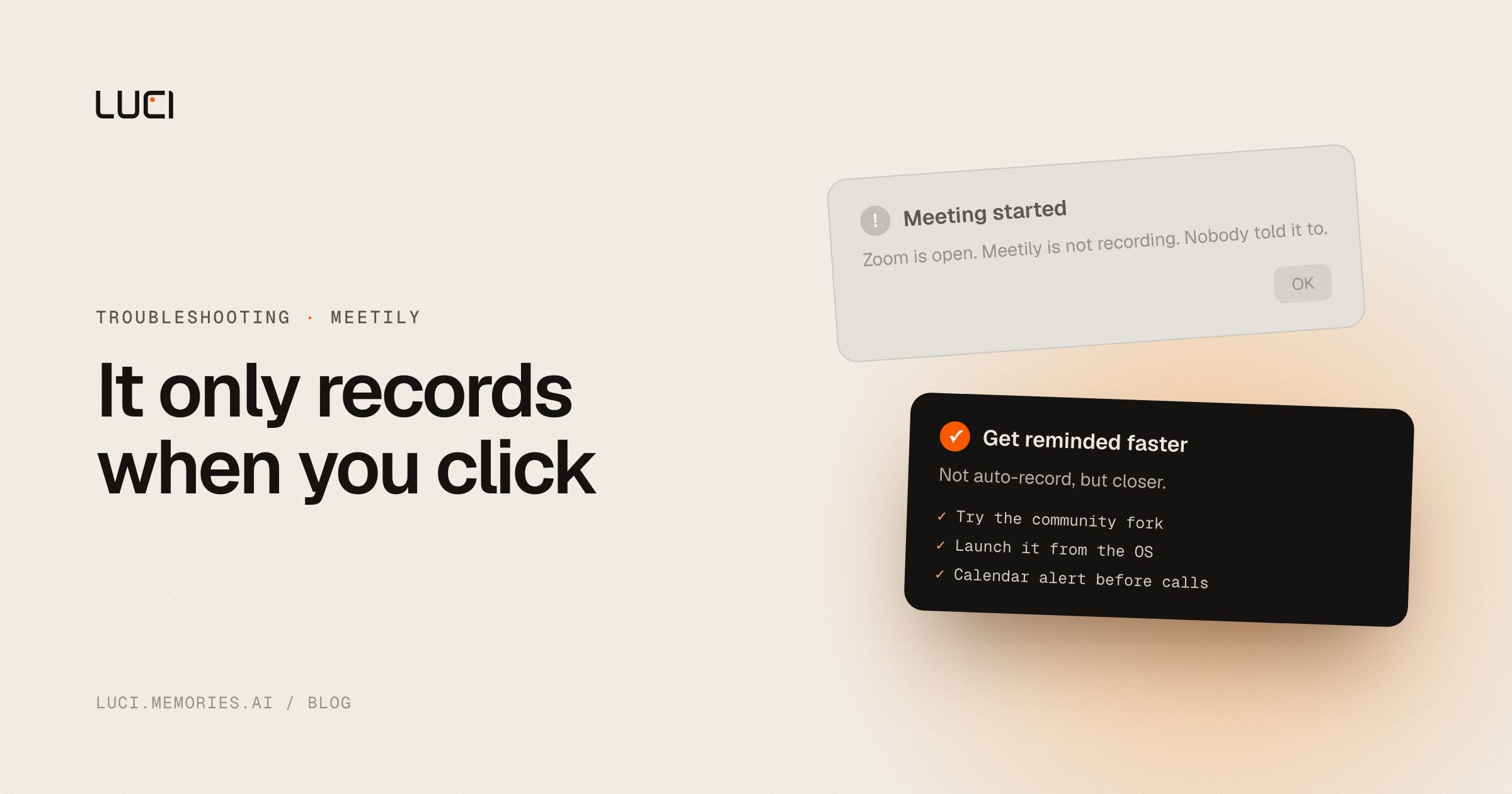
The call ended twenty minutes ago. You open Meetily and there is nothing, because you never hit record. You are not going to remember next time either, which is the whole reason people ask for this. It is the second-most requested thing on the tracker after Linux, and it has been open since October 2025.
TL;DR
- The Community Edition records when you tell it to. There is no meeting detection in it.
- Pro detects meetings, and per the issue thread you still click a dialog to start.
- The maintainers have said auto-start is coming, tied to calendar integration, since April 2026.
- Two workarounds work today: a community fork, and an OS-level launcher.
What people are saying
meetily#218 opened 2025-10-25 asking for exactly one thing: detect that a Teams or Zoom call started, start recording. A commenter on 2025-11-10 wrote "This is the killer function for this. IF this was on, subscribe me up!" It has 5 reactions and is still open.
The maintainer replies are worth reading in order, because they are honest about why this is hard. On 2026-04-29: "We are bringing in calendar integration. Once that is available, the automatic start will be added. As of now, mic activity based notification is unstable for some devices." On 2026-05-18, asked for a timeline: "As of now, pro version do have this feature... Timelines, honestly, not sure but we are hopping within 1 or 2 months."
meetily#387, opened 2026-03-05 with 11 comments, is where the Pro caveat surfaces. On 2026-05-23 a user posted a screenshot of the confirmation dialog and asked where auto-recording "without manual intervention, aka with no clicking of this dialog" lives. The maintainer answer on 2026-06-24: "the auto-joining feature is still in the development phase. We are working on the UI/UX flow." The same comment says speaker identification is the current priority, so this one queues behind it. There is also a documentation wrinkle the maintainer acknowledged on 2026-05-24: the pricing page implied free-tier detection, and "Maybe it was not expressed rightly on the pricing page."
Two more open requests point at the same hole. meetily#449 wants Google Calendar to start and stop the recording, 4 reactions, open since 2026-04-24. meetily#219 asks for calendar integration generally, open since 2025-10-25.
Why this keeps biting you
Meetily is a bot-free notetaker, and bot-free is the reason this is hard rather than a bug. A bot-based tool gets the trigger for free: the calendar invite has a join link, the bot walks in, recording starts. Nothing has to guess. A tool capturing audio on your own machine has no invite and no join event. It has to infer that a meeting is happening from something local, and every local signal is unreliable.
Microphone activity is the obvious one, and it is the one the maintainer called "unstable for some devices," which matches reality: your mic also activates for a voice memo, a browser tab, and a lot of drivers that idle the input open. Process detection is better, but a Teams process running is not a Teams call in progress. Calendar events are the most reliable trigger and they need OAuth, a sync loop, and handling for the meeting that starts nine minutes late. That is a feature, not a patch, which is why it has taken this long.
Meanwhile the design assumes a person present at the start. Which is fine, right up until the ad-hoc call that nobody scheduled, which is the call you most wanted a transcript of.
Fix it in Meetily first
- Try the community fork. qaid/meeting-minutes-autodetect implements process-name monitoring with per-app toggles and auto-stop, and is the fork the #387 reporter pointed the maintainers at. It is a small fork, last pushed 2025-12-08, so treat it as a workaround rather than a maintained branch.
- Trigger Meetily from the OS instead of from Meetily. On macOS, a Shortcuts automation or a Hammerspoon watcher on the Zoom and Teams application launch events can bring the app forward. On Windows, a Task Scheduler task with an event trigger does the same job. You still click record, but the window is in front of you at the moment it matters, which is most of the failure.
- Attach the reminder to the calendar, not to your memory. A recurring one-minute-before alert on every meeting you care about costs nothing and closes most of the gap while #449 is open.
- Start it before the day, not before the call. Meetily records sessions. If your day is back-to-back, one long session and a manual split afterwards loses less than four missed calls do, at the cost of a large audio file.
- Evaluate Pro with the dialog in mind. Detection is there. Per #387 as of 2026-06-24, hands-free start is not, so test the exact flow you want before you decide the paid tier solves it.
- Add your use case to #218 rather than opening a new issue. The maintainers are tracking this in one place and duplicates split the signal.
None of these is auto-recording. They are ways to be reminded faster. I would rather say that than pretend a Shortcuts trigger is the same thing.
Stay or switch
| Job | Stay with Meetily | Switch to LUCI |
|---|---|---|
| You want MIT-licensed source and a fork you control | Yes | No |
| You are fine pressing record, and prefer nothing runs unless you say so | Yes | LUCI leans the other way |
| You want capture running before the ad-hoc call starts | No | Yes |
| You want calendar-triggered start on the free tier | No, it is open on the tracker | Capture is already running, so no trigger is needed |
| You want the screen context alongside the audio, not audio only | No, out of scope by design | Yes |
What to do next
The thing that makes this request so persistent is that a notetaker you have to remember to start fails exactly when you are busiest. Every missed call is unrecoverable in a way a slow transcript is not. You can retranscribe bad audio. You cannot retranscribe a conversation that was never captured.
LUCI takes the other side of that trade, because it is not a notetaker waiting for a meeting to begin. It keeps your computer's history, and a meeting is one part of the day it remembers, next to the email you sent after and the doc you had open during. Capture is already running, so there is no start event to miss, and you choose the shape: continuous, scoped to specific apps, or manual sessions. Sensitive apps and incognito windows are excluded in one click, and you can pause whenever you want. That is a real trade and I will name the cost. If your requirement is that nothing runs unless you press a button, continuous capture is the wrong tool and Meetily is the better fit.
See LUCI vs Meetily, or the no-bot notetaker page for how bot-free capture works without a participant joining your call.


