Fix: Limitless Pendant Won't Pair or Connect
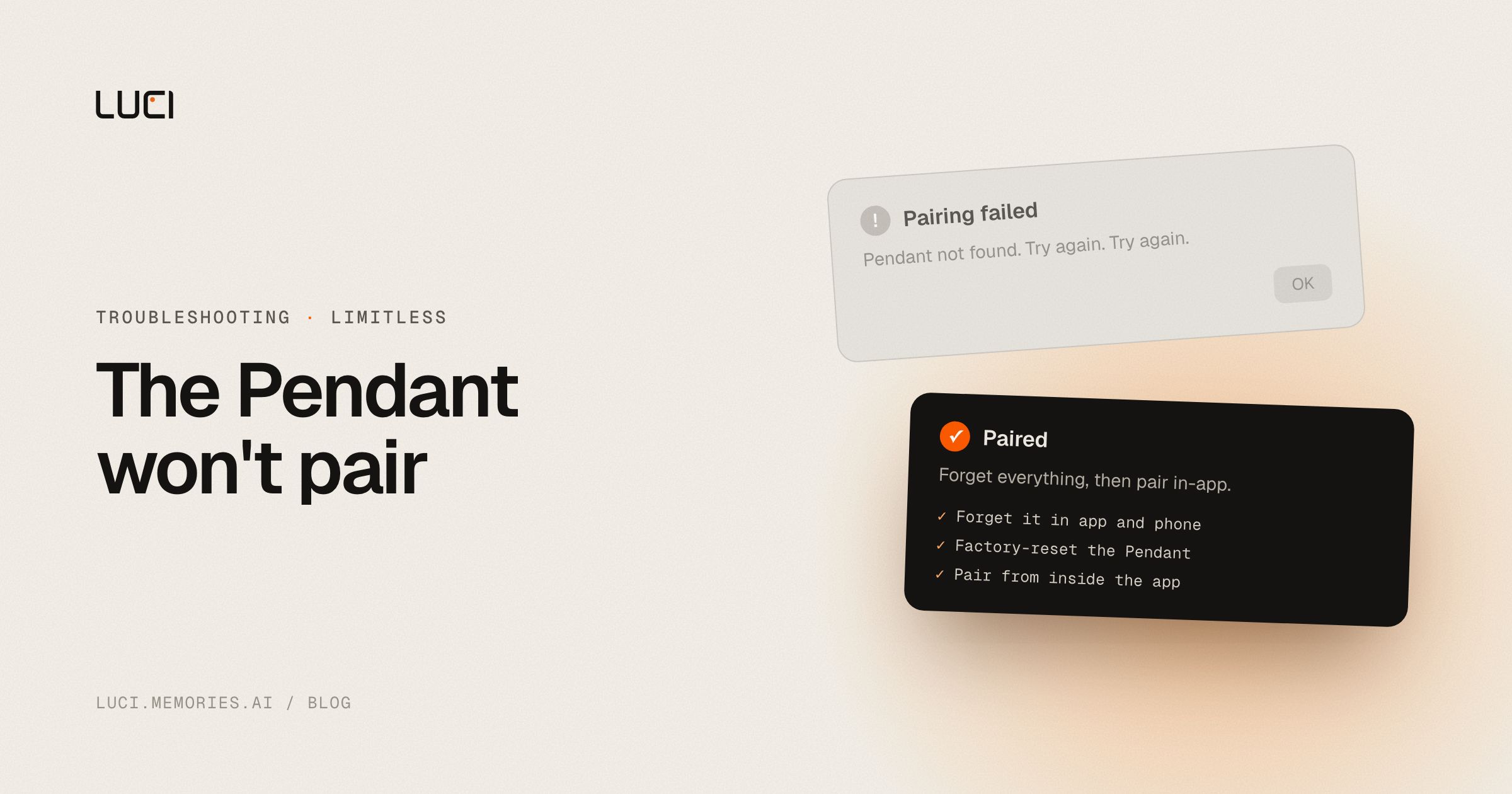
The Pendant's light won't settle, the Limitless app never sees it, or it worked on your old phone and refuses to show up on the new one. Pairing failure is a common enough complaint that Limitless publishes an official troubleshooting article for it.
TL;DR
- Pairing has to happen inside the Limitless app, not your phone's native Bluetooth settings.
- Stale Bluetooth records and the one-Pendant-per-account limit are the usual culprits.
- A full forget-and-reset sequence fixes most cases; it does not fix the deeper hardware dependency.
What people are saying
Limitless's own support article walks through the pairing failure directly: Pendant troubleshooting. Limitless also runs a public feedback board where pairing and hardware issues get filed.
Why this keeps biting you
The Pendant is a physical accessory tied to a single phone-side app and a one-device-per-account model. Bluetooth pairing state lives in three places at once — the Pendant's own memory, your phone's system Bluetooth settings, and the Limitless app's account record — and they can disagree. Move the Pendant to a new phone, and the old phone's stale Bluetooth pairing plus the account-side "already paired" flag can both block the new connection until you clear all three. This is the tradeoff of a hardware-plus-cloud-account architecture: your memory tool now depends on a Bluetooth stack and an account server being in sync, not just software on your machine.
Fix it in Limitless first
- Open the Limitless app and choose "Forget this Pendant" from device settings.
- On your phone, go to system Bluetooth settings and forget the Pendant there too — the app-side forget alone often isn't enough.
- Restart your phone. This clears cached Bluetooth state that a simple forget doesn't touch.
- Factory-reset the Pendant: hold the button until the light cycles to purple, then to blue, confirming a full reset.
- Re-open the Limitless app and pair from inside it — not from the phone's Bluetooth menu, which is the most common mistake.
- If you're moving from an old phone, confirm the Pendant is fully unlinked from the old device in your Limitless account before pairing to the new one — the one-Pendant-per-account limit will block a second active pairing.
Stay or switch
| Job | Stay with Limitless | Switch to LUCI |
|---|---|---|
| You specifically want ambient audio capture via a wearable, hands-free | Yes — that's the Pendant's job | No, LUCI doesn't do wearable hardware |
| You're fine depending on Bluetooth + a cloud account to keep your memory working | Yes | LUCI keeps your memory on your machine, no pairing step |
| You want meeting and screen memory on the computer you already work on | No | Yes |
| You want a tool whose ownership and roadmap won't shift after an acquisition | Uncertain — see the Limitless/Meta shutdown coverage | Yes |
What to do next
Every day the Pendant won't pair is a day of ambient audio memory that never gets captured — there's no rewind button for a conversation the hardware never heard. If you'd rather have memory that starts working the moment you install it, without a Bluetooth reset dance, LUCI runs entirely on the computer you already use. See LUCI vs Limitless or the full list of Limitless alternatives.


