Fix: Granola Didn't Record My Meeting
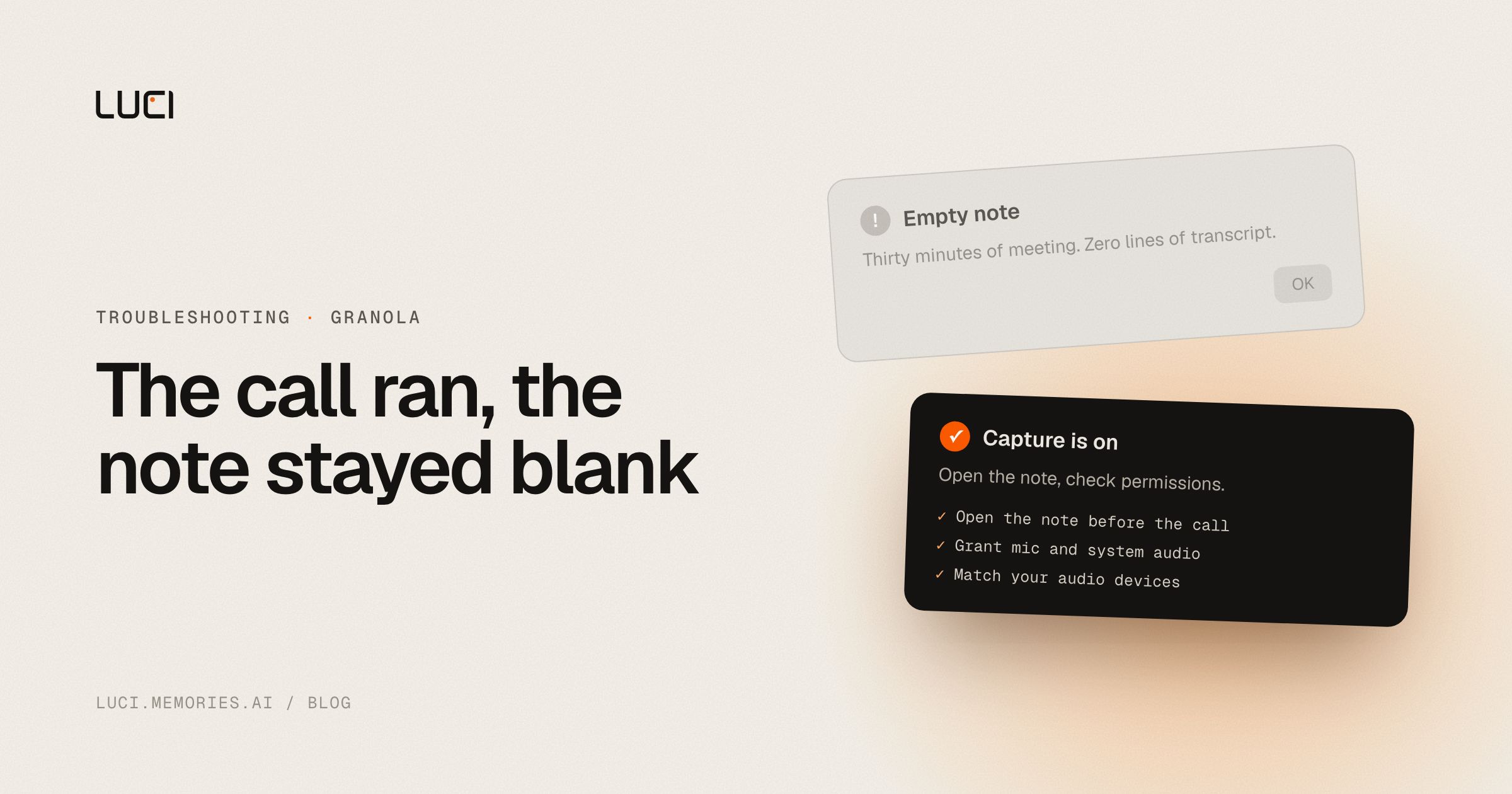
The call ends, you open Granola for your notes, and there's nothing — no transcript, no summary, no sign it ever started listening. This is the single most common Granola complaint, and it usually traces to one specific misunderstanding about how the app decides to record.
TL;DR
- Granola does not auto-record every meeting by default — you often have to open the note or click a prompt.
- Mismatched mic/system-audio permissions or a wrong input device are the other usual cause.
- The fix is a permissions-and-workflow checklist, not a bug report.
What people are saying
Granola's own transcription docs describe the manual-trigger behavior directly: transcription guide. It's also not a rare edge case: Granola's own status page has logged transcription incidents separately, e.g. status.granola.ai incident, and a r/macapps thread reports the app going "glitchy and not reliable."
Why this keeps biting you
Granola is a cloud meeting-notes pipeline: your mic and system audio have to be captured locally, routed to a cloud transcription provider, and then summarized on Granola's servers before a note ever appears. That's three handoffs, and each one is a place capture can silently fail — no note opened, mic permission not granted, wrong audio device selected, or a transcription-provider outage on Granola's side. Because the whole system is designed around "open a note and it starts listening" rather than "always listening," the most common failure is simply that no note was ever open when the meeting started.
Fix it in Granola first
- Open the meeting note (or hit Quick Note) before or right as the call starts — Granola generally does not record without one active.
- Watch for the green recording indicator bars. If they're not moving, audio isn't being captured, regardless of what the app claims.
- Check System Settings → Privacy & Security → Microphone and Screen & System Audio Recording — both need to be granted to Granola specifically.
- Match your audio devices. If Zoom/Meet/Teams is using a different mic or speaker than your system default, Granola can miss the meeting audio entirely — align them.
- Restart Granola if a note was open but nothing was captured; a hung audio session is a known failure mode.
- If you suspect an outage rather than a local misconfiguration, check Granola's status page before assuming it's your setup.
Stay or switch
| Job | Stay with Granola | Switch to LUCI |
|---|---|---|
| Your team already lives in Granola's shared workspace and folders | Yes | No |
| You're fine with meeting audio and notes routing through a cloud provider | Yes | LUCI processes on-device |
| You want meeting capture that doesn't depend on opening a note in time | No | Yes |
| You want screen memory alongside meeting notes, not meetings only | No | Yes |
What to do next
Every meeting Granola misses because a note wasn't open in time is a meeting whose notes will never exist — there's no re-recording a conversation that already happened. If you'd rather not manage that timing every single call, LUCI captures meetings on-device without a "click record before it's too late" step. See LUCI vs Granola or check whether Granola is actually local before you trust it with anything sensitive.


