Fix: Granola only labels speakers Me and Them
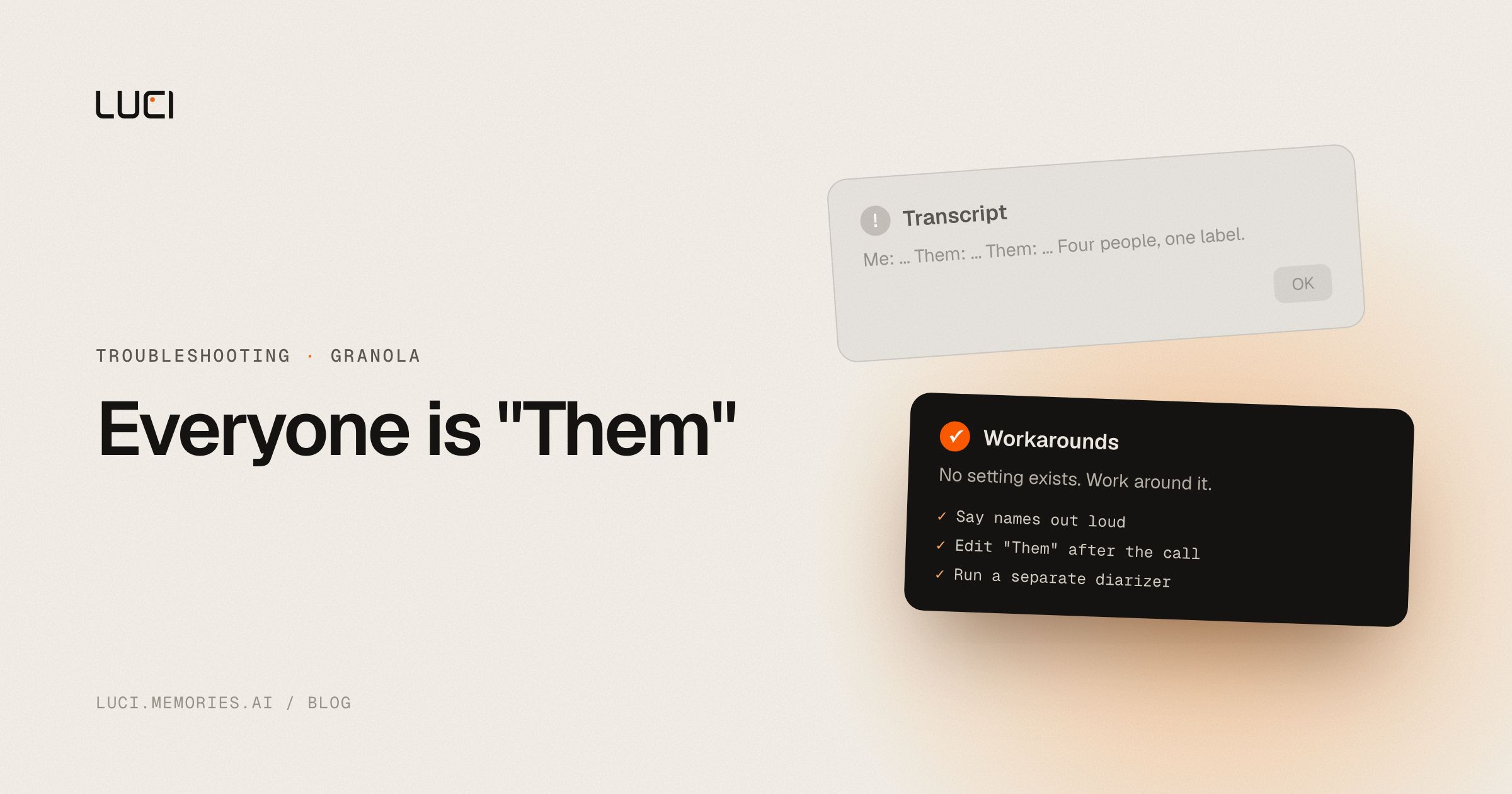
You open a transcript from a five-person call and every line belongs to one of two people. You, and everyone else. "Them" said the budget was approved. Which them? The transcript does not know, and neither do you anymore.
This is not a bug you can file. It is what Granola's desktop app does by design, and the reason has more to do with physics than with product decisions.
TL;DR
- Granola's desktop transcript separates your microphone from system audio and labels them "Me" and "Them". That is two buckets, not per-person labels.
- Real speaker identification exists, but Granola's documentation limits it to in-person meetings captured on iPhone.
- No setting turns on desktop diarization. The workarounds live outside the app.
- Diarization and speaker identification are different problems. Most tools advertising "speaker labels" only do the first.
What is actually happening
Granola does not send a bot into your call. That is the whole pitch, and it works. The cost shows up here.
A notetaker bot joins as a participant, and Zoom or Meet or Teams hands it a separate audio stream for every person in the room. Attribution becomes bookkeeping. Nothing has to be inferred, because the platform already separated the voices before the tool ever saw them.
Granola captures what flows through your own machine instead. That is two streams: your microphone, and the system output where everyone else is already mixed down into a single channel. Splitting those two is easy, which is why you get "Me" and "Them". Splitting the four voices inside "Them" is a genuinely hard signal-processing problem, and Granola's desktop app does not attempt it.
Worth naming the confusion here, because it costs people money. Diarization gives you anonymous buckets, Speaker 1 and Speaker 2. Speaker identification puts real names on those buckets. When a product page says "speaker labels," check which one you are buying. More on the distinction in what is speaker diarization.
What people are saying
Granola's own transcription documentation is the primary source, and it is honest about the split. Desktop capture is microphone plus system audio. Speaker identification is scoped to in-person capture on iPhone, where the app is listening to a room rather than to a conference call's mixed output.
The complaint pattern is predictable once you know the architecture. People are fine with it for one-on-ones and get burned on group calls, usually about a week later when they go back to check who committed to what. A r/macapps thread collects the general reliability grumbling, and Granola's status page history logs transcription incidents separately from app incidents.
Fix it in Granola first
None of these are settings. Granola does not have a switch for this. They are things you can do around it.
- Say names out loud, deliberately. "Thanks Priya, that's the number I had too." Granola's summarization sees the transcript text, and a name spoken next to a claim is the only attribution signal available on a desktop call. Feels stilted for two meetings, then stops feeling like anything.
- Open with a round of introductions on any call above three people. This gives every later mention an anchor. It also improves any post-processing you do, because a model reading the transcript can map "the CFO" back to a name it saw in the first minute.
- Edit the transcript right after the call, not later. You still remember who said what for about an hour. Renaming "Them" segments while the memory is fresh is tedious and it works. After a day it is guesswork.
- Route the tracks separately at the OS level for two-party calls. On macOS, send system output through BlackHole or Loopback and record it as its own file alongside your microphone. On Windows, VoiceMeeter does the same. Transcribe the two files independently and merge them with names attached. For a sales call or a one-on-one this is exact rather than probabilistic, because nothing is being inferred.
- Run a standalone diarizer over the audio for larger calls. avencera/speakrs or pyannote directly will give you segment boundaries with speaker numbers, which you then align against Granola's timestamps. An hour of setup. Reusable forever. Also more work than most people will actually do.
- Use the iPhone app for in-person meetings. This is the one case where Granola does identify speakers, per its own docs. If your recurring problem is a conference room rather than a Zoom call, the fix is which device you record on.
Being straight about step 5: a language model inferring speakers from context will occasionally hand a commitment to the wrong person. Do not put its output in a contract.
Stay or switch
| Job | Stay with Granola | Switch to LUCI |
|---|---|---|
| Your team already works out of Granola's shared workspace | Yes | No |
| You mostly run one-on-ones where "Me" and "Them" is enough | Yes | Either works |
| You need voices separated on multi-person desktop calls | No | Yes, on-device on Mac and Windows |
| You are fine with meeting audio routing through a cloud transcription provider | Yes | LUCI processes on your machine |
| You want who-said-what searchable across months, not one file per call | No | Yes |
What to do next
Two honest caveats first. Diarization error rate is a property of the audio, not of the vendor. Overlapping speech, similar voices, and compressed conference audio degrade every tool including ours, and a better microphone will do more for your transcripts than any switch will. And separated voices are still not named voices unless something maps them to people.
That said, "Me" and "Them" is a ceiling, not a tuning problem. No amount of configuration turns two buckets into five. LUCI separates speakers on-device on Mac and Windows, with no bot in the call and no audio handed to a transcription provider. The labelled transcript does not sit in a per-meeting file either. It joins the rest of your computer's history, so who said what lands next to what was on screen when they said it, and a question like "what did the CFO push back on across our last three calls?" resolves to one answer with sources.
Side by side in LUCI vs Granola, or read whether Granola is actually local before you decide what it should be hearing.


