AI That Remembers Everything: How Persistent AI Memory Actually Works
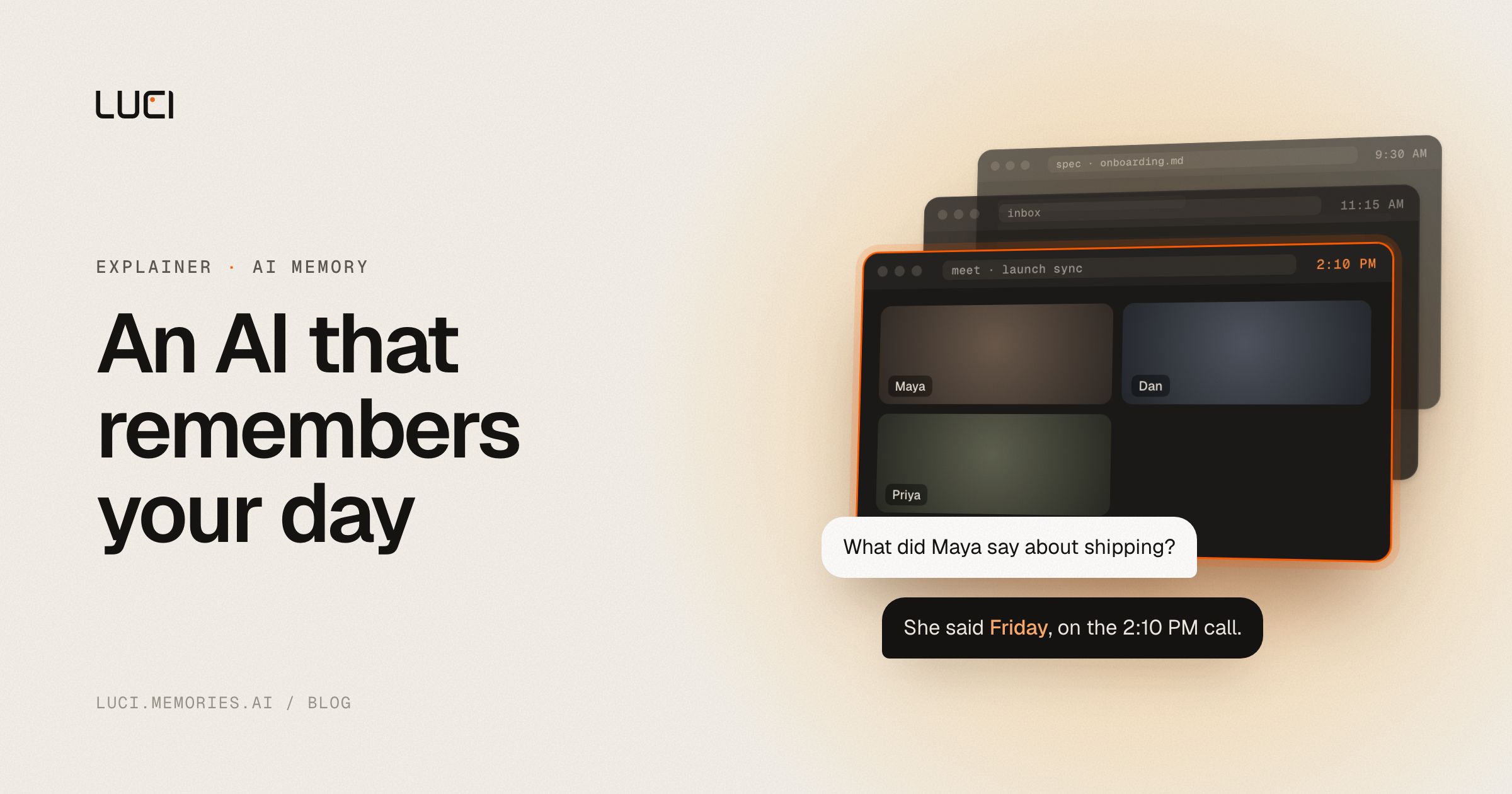
Ask ChatGPT a question today, come back tomorrow, and it has forgotten the entire conversation. That is the core limitation of most AI tools: they are stateless. An AI that remembers everything flips this — it keeps a persistent memory of your meetings, screen activity, documents, and conversations, so you can ask it questions that span days or weeks and get cited answers.
This post explains how persistent AI memory works, why it is different from a chatbot's "memory" feature, and how to set up an AI memory app of your own.
Why most AI forgets
A standard large language model has no memory between sessions. Each chat starts from zero. Some products bolt on a small "memory" feature — a handful of facts the assistant remembers about you — but that is a long way from an AI that actually remembers what you did last Tuesday.
The gap shows up constantly in real work:
- "What did the customer say about pricing across the last three calls?"
- "Which design did we agree on in the review two weeks ago?"
- "Pull up the dashboard I was looking at when the bug appeared."
A stateless assistant cannot answer any of these. It was never watching, and it remembers nothing.
What "persistent AI memory" actually means
A true AI memory app captures and indexes what you do, then makes it queryable. The architecture usually has four layers:
1. Capture
The AI records the raw material of your work — meeting audio, screen activity, and the documents and apps you interact with. Capture should be opt-in and, ideally, processed on your own machine.
2. Understanding
Raw recordings are not useful on their own. The AI transcribes audio, runs video understanding on screen content, and extracts structure: who said what, what was decided, what changed on screen.
3. The memory graph
This is the part that makes it "memory" rather than "search." Individual meetings, screen sessions, and documents get linked into a graph, so the AI can connect a conversation you had on Monday with a spreadsheet you reviewed on Wednesday.
4. Retrieval, by you and by your agents
Finally, you query the memory in plain language and get a cited answer. The best systems go one step further and open that memory to the AI agents you already run, so Claude, Cursor, or Codex can draft the follow-up email or pull up the action item from what actually happened, instead of you pasting context back in.
Persistent memory vs a chatbot's "memory" feature
| Chatbot memory feature | Persistent AI memory | |
|---|---|---|
| What it remembers | A few facts you tell it | Everything you capture |
| Source | What you type | Meetings, screen, documents |
| Time span | Current context window | Days, weeks, months |
| Can it recall a meeting? | No | Yes, with citations |
| Can your AI agents read it? | No | Yes, on request |
How to set up an AI that remembers everything
LUCI is an AI memory app built exactly this way. Setting it up:
- Install the desktop app on macOS, Windows, or Linux.
- Grant capture permissions for meetings and the screen activity you want remembered. You stay in control of what is captured.
- Let memory build. Every meeting and session is folded into one persistent, searchable memory.
- Ask in plain language. "What did we decide about the EU launch?" returns a cited answer that reaches across every session you have recorded.
- Give it to your agents. The same memory is readable by the AI agent you already use, so it can draft the recap or pull the action item from the real conversation.
Because LUCI is open source with a local-only mode, the memory of everything you do can stay entirely on your own machine.
Privacy: the catch with "remember everything"
An AI that remembers everything is only safe if you control the data. Look for:
- Local or self-hosted processing so recordings are understood and stored on your device, encrypted at rest.
- Open-source code you can audit to verify what is captured and stored.
- A guarantee that your data is not used for model training.
This is the lesson from products like Microsoft Recall, which faced repeated privacy backlash for capturing passwords and banking details. The "remember everything" concept is powerful — but only with verifiable privacy.
Frequently asked questions
What is an AI that remembers everything?
It is an AI memory app that captures and indexes your meetings, screen activity, and documents, builds a persistent memory across sessions, and lets you and your AI agents query that memory in plain language — unlike a stateless chatbot that forgets between sessions.
How is this different from ChatGPT's memory?
ChatGPT's memory stores a small set of facts you tell it. A persistent AI memory captures everything you actually do — meetings and screen activity included — and can recall specific moments across weeks with citations.
Can I keep my AI memory private?
Yes. Tools like LUCI offer local-only and self-hosted modes, and are open source so you can verify exactly what is captured and stored.
What is the best AI memory app in 2026?
Look for one that is actively developed, open source, cross-platform, and hands its memory to the AI agents you already run rather than locking it in its own search box. See how LUCI compares to the alternatives.


